Features that solve real problems

Photo delivery built for how photographers actually work

Every feature exists because photographers told us what they struggle with. No bloat. No complexity. Just the tools you need to deliver photos professionally without the headache.

Why Photographers Struggle with Photo Delivery

The Email Dead End

You finish editing hundreds of stunning photos, only to discover email bounces anything over 25MB. Splitting into multiple emails feels unprofessional. Your beautiful work deserves better.

The WeTransfer Gamble

Links expire in a week. Clients forget to download. You re-upload. They download half. Nothing is branded. It works, but barely.

The Google Drive Maze

Sharing via Google Drive requires client accounts, navigating folder structures, and explaining why the interface looks nothing like your professional brand. Every shoot comes with tech support calls.

The Platform Overwhelm

Dedicated photography platforms promise everything but require 2-hour setup, monthly subscriptions that cost more than your web hosting, and features you will never use. You just want to share photos.

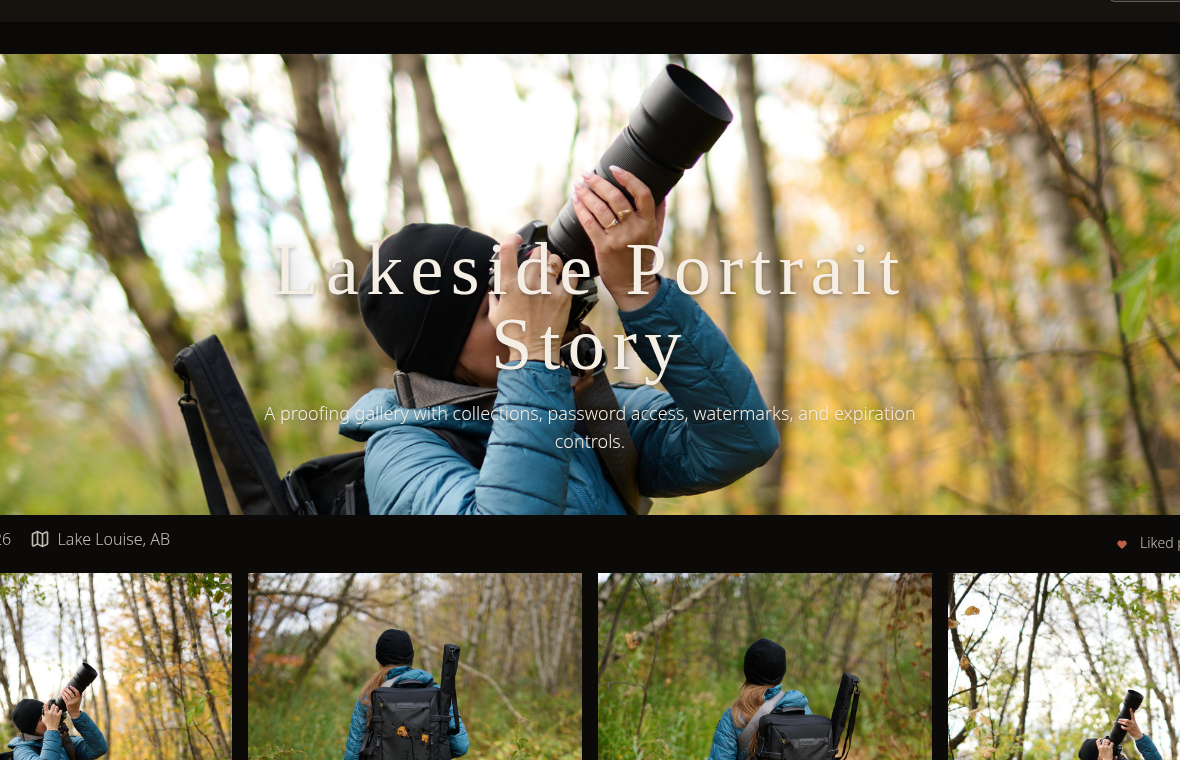
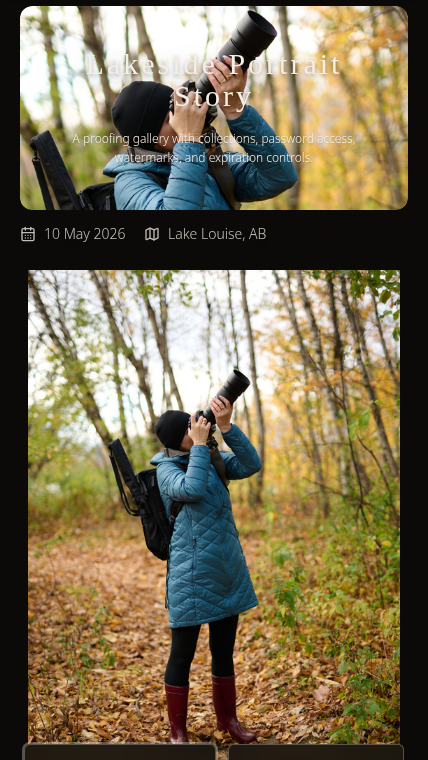
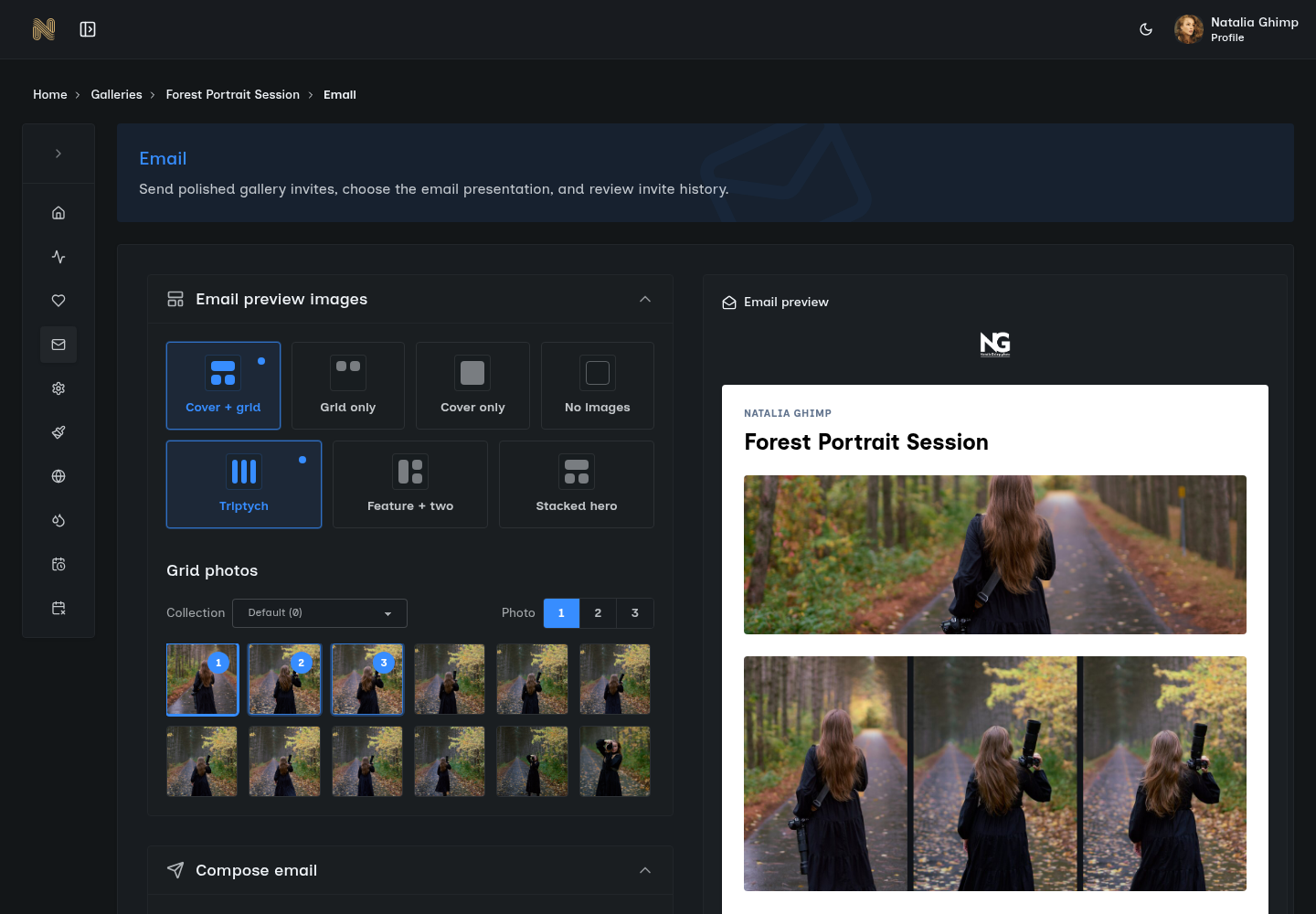
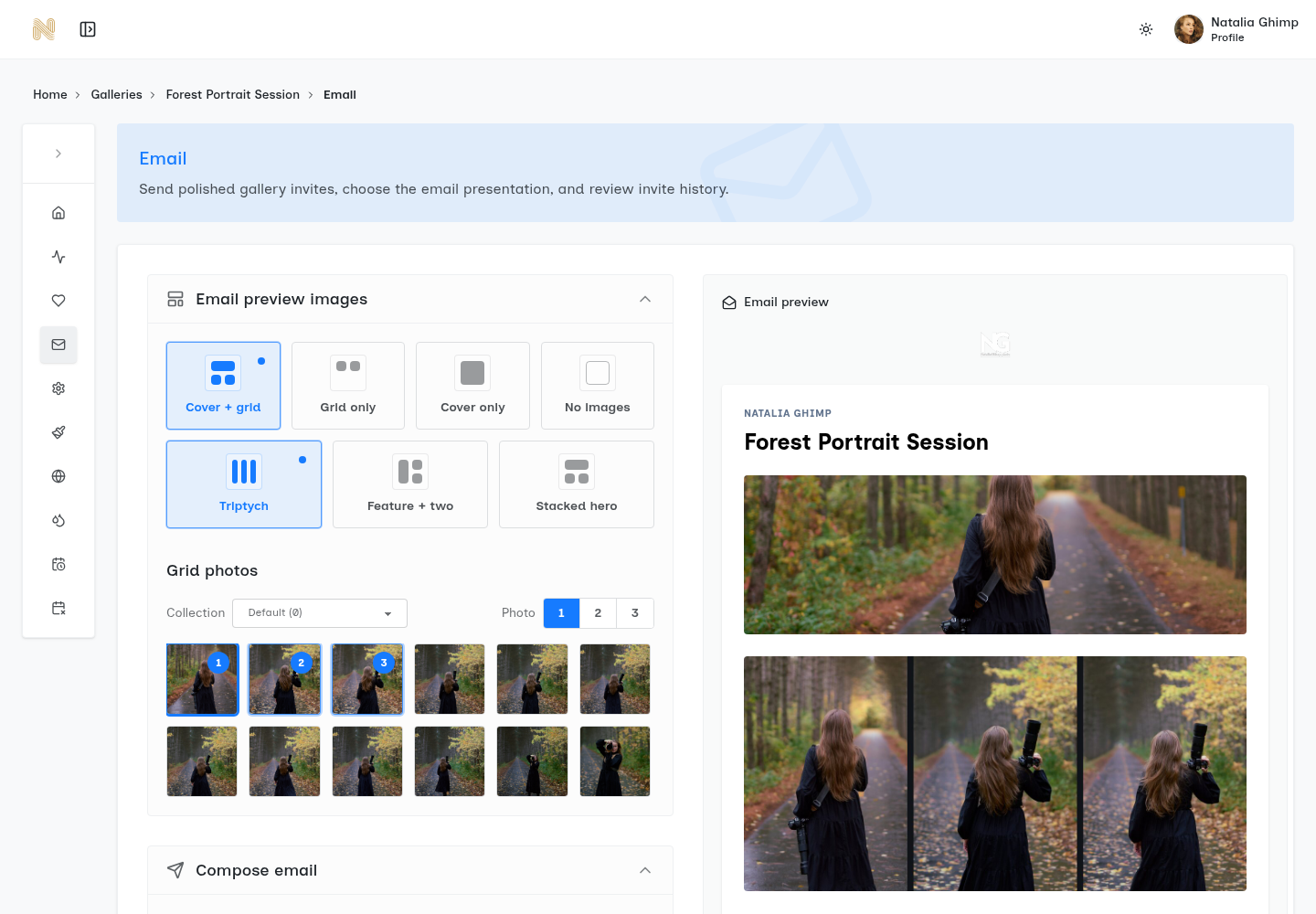
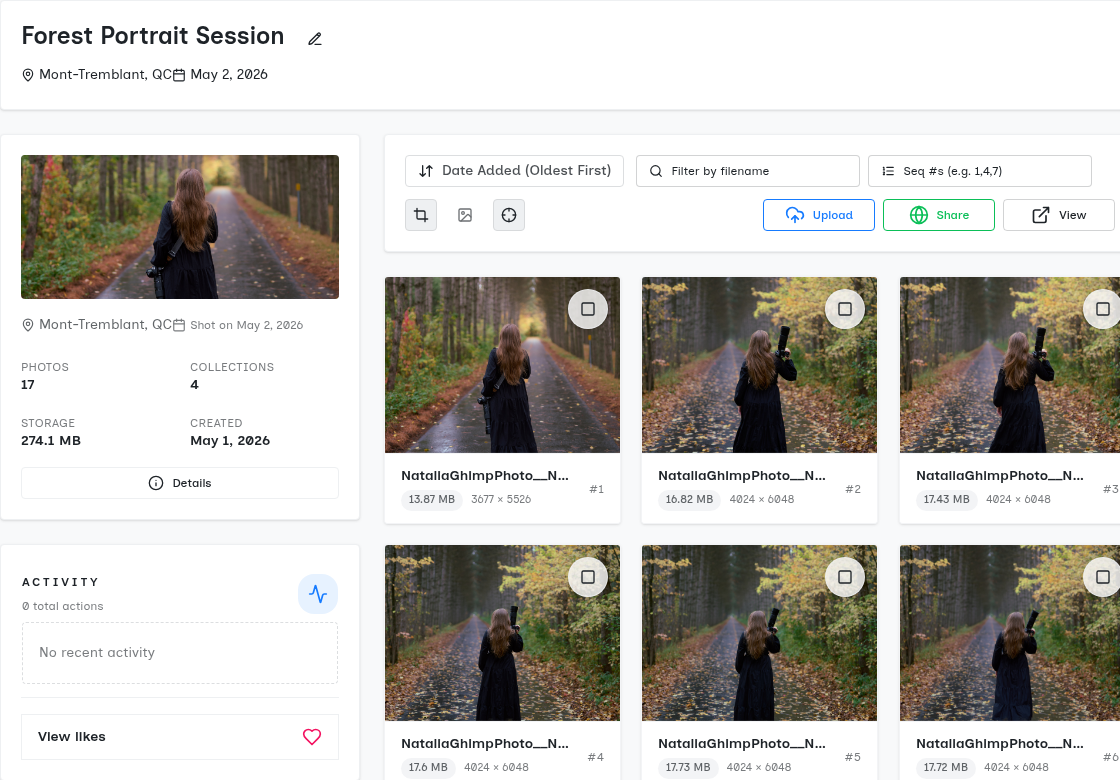
SendPhoto gallery delivery interface

Gallery Delivery That Actually Works

The Problem

You finish a shoot, spend hours editing, and then hit the delivery wall. Email bounces at 25MB. WeTransfer links expire in a week. Google Drive requires your client to have an account and navigate a confusing folder structure. The final impression of your professional service? A janky file-sharing experience.

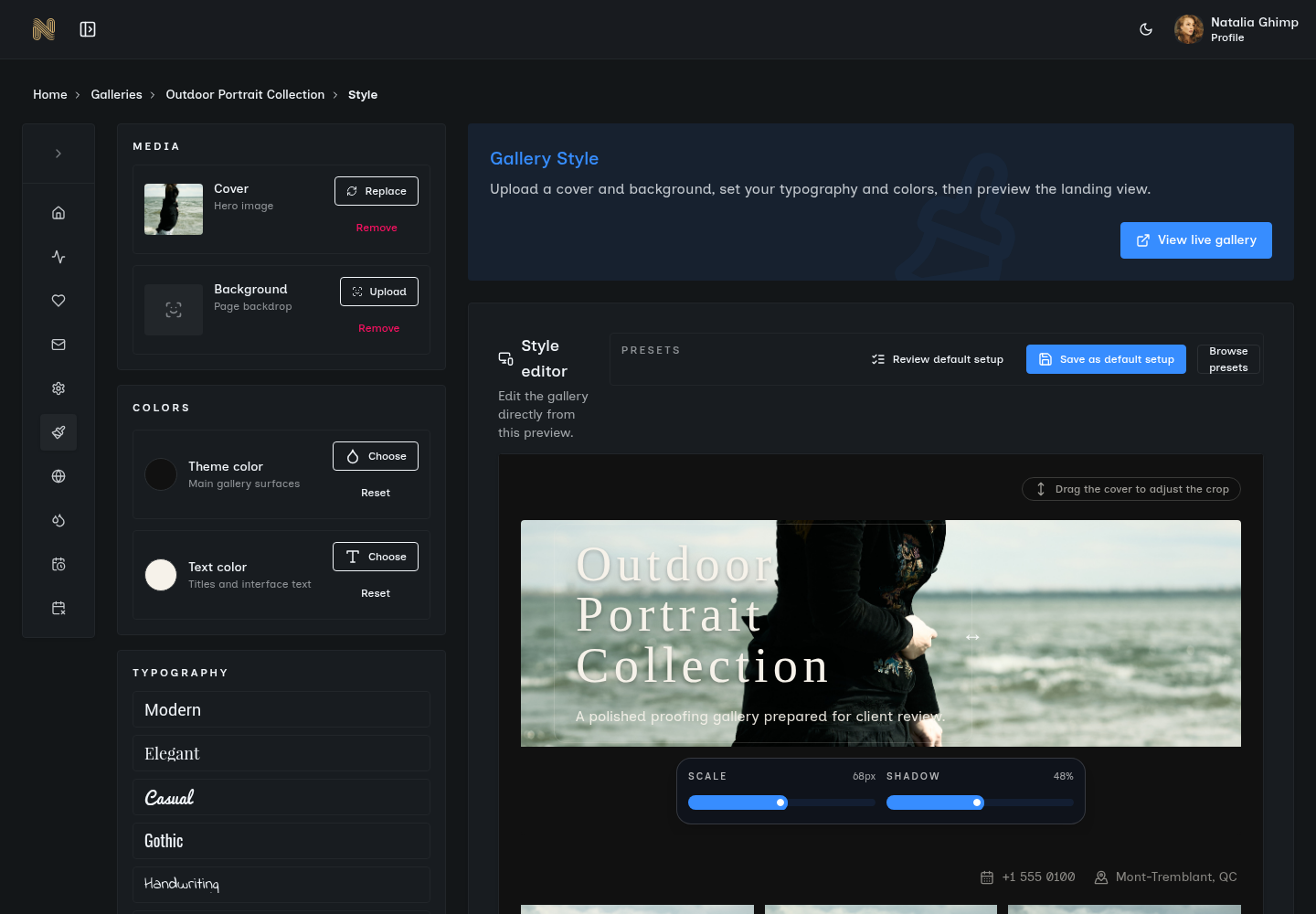
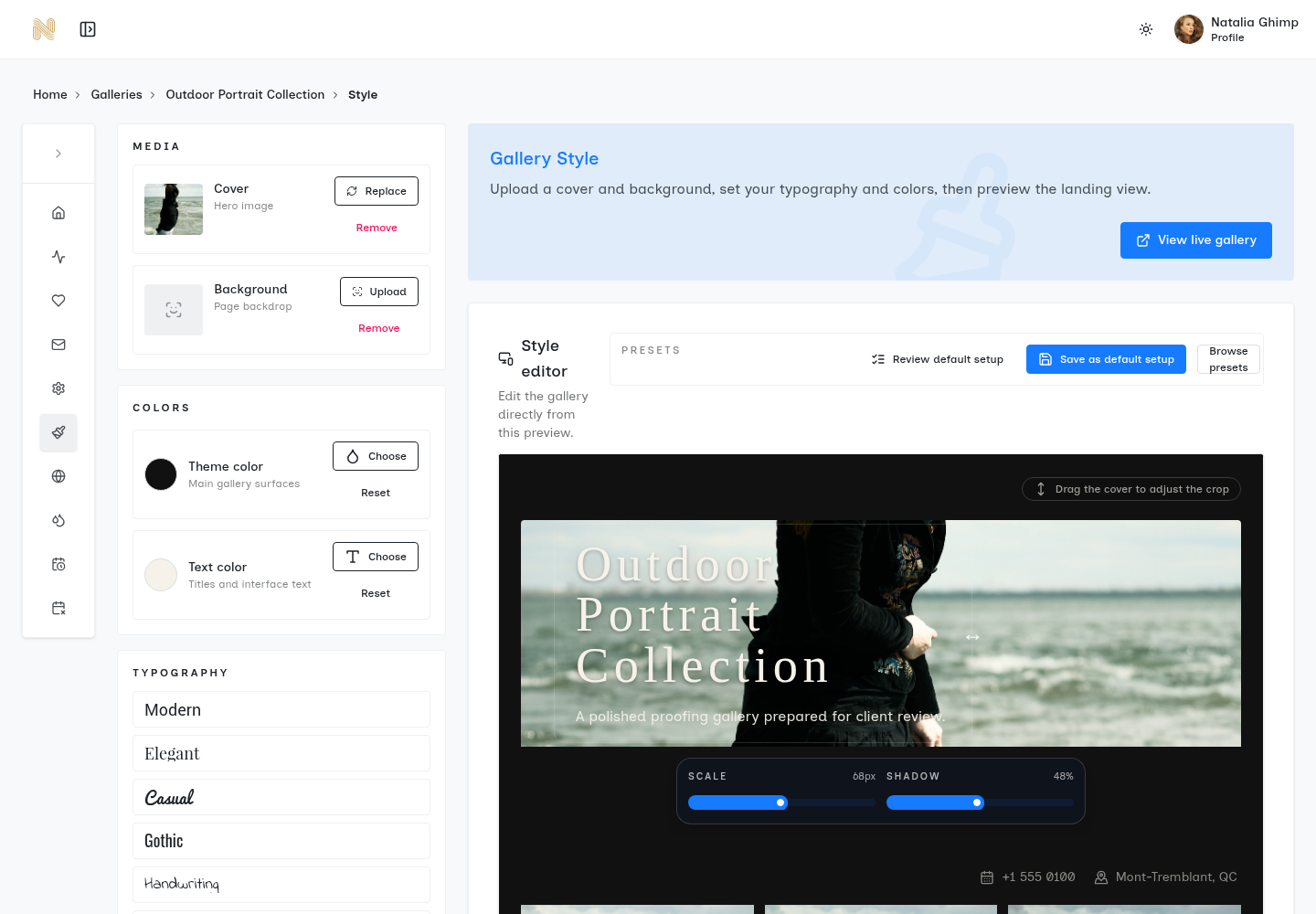
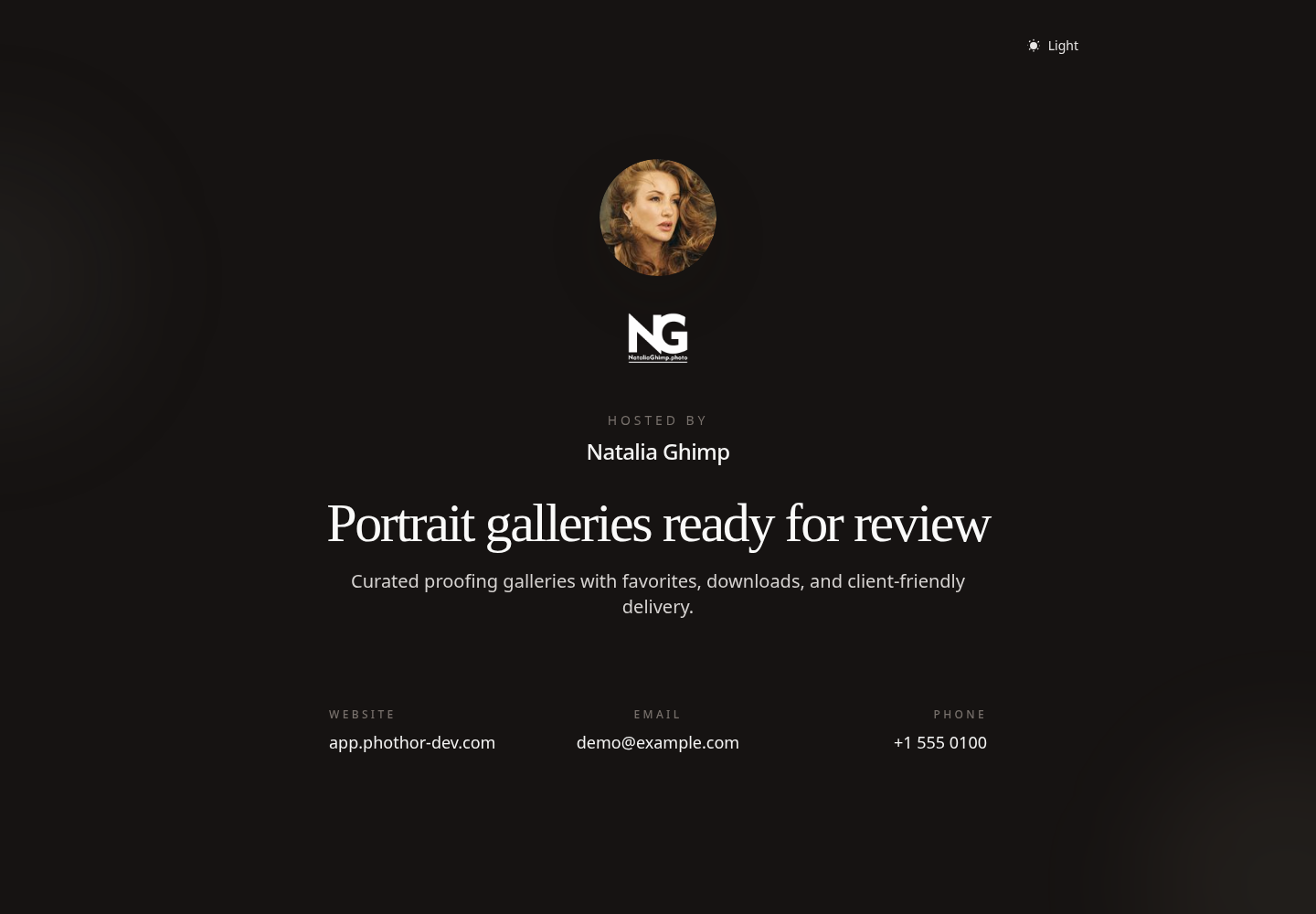
SendPhoto turns photo delivery into what it should be: effortless. Upload your edited images, organize them into collections, and share a single link. Your client clicks it and sees a beautiful gallery--no account required, no download hassles, no confusion. Just your work, presented exactly as you intended.

Key Benefits

  • One-click gallery creation from any device
  • Automatic organization into logical collections
  • Beautiful, distraction-free presentation
  • Links that work on desktop, tablet, and mobile
  • No client account or login required

Real-World Scenario

Sarah shoots a wedding on Saturday. By Sunday evening, she has uploaded 400 edited photos to SendPhoto, organized them into ceremony, reception, and portraits collections, and sent a single link to the couple. Monday morning, they are viewing their photos over coffee on their phones. No technical support calls. No confusion. Just delight.

Our gallery system uses progressive image loading, ensuring fast viewing even on slower connections. Collections automatically preserve your upload structure, and clients can download individual images, entire collections, or the full gallery with one click.

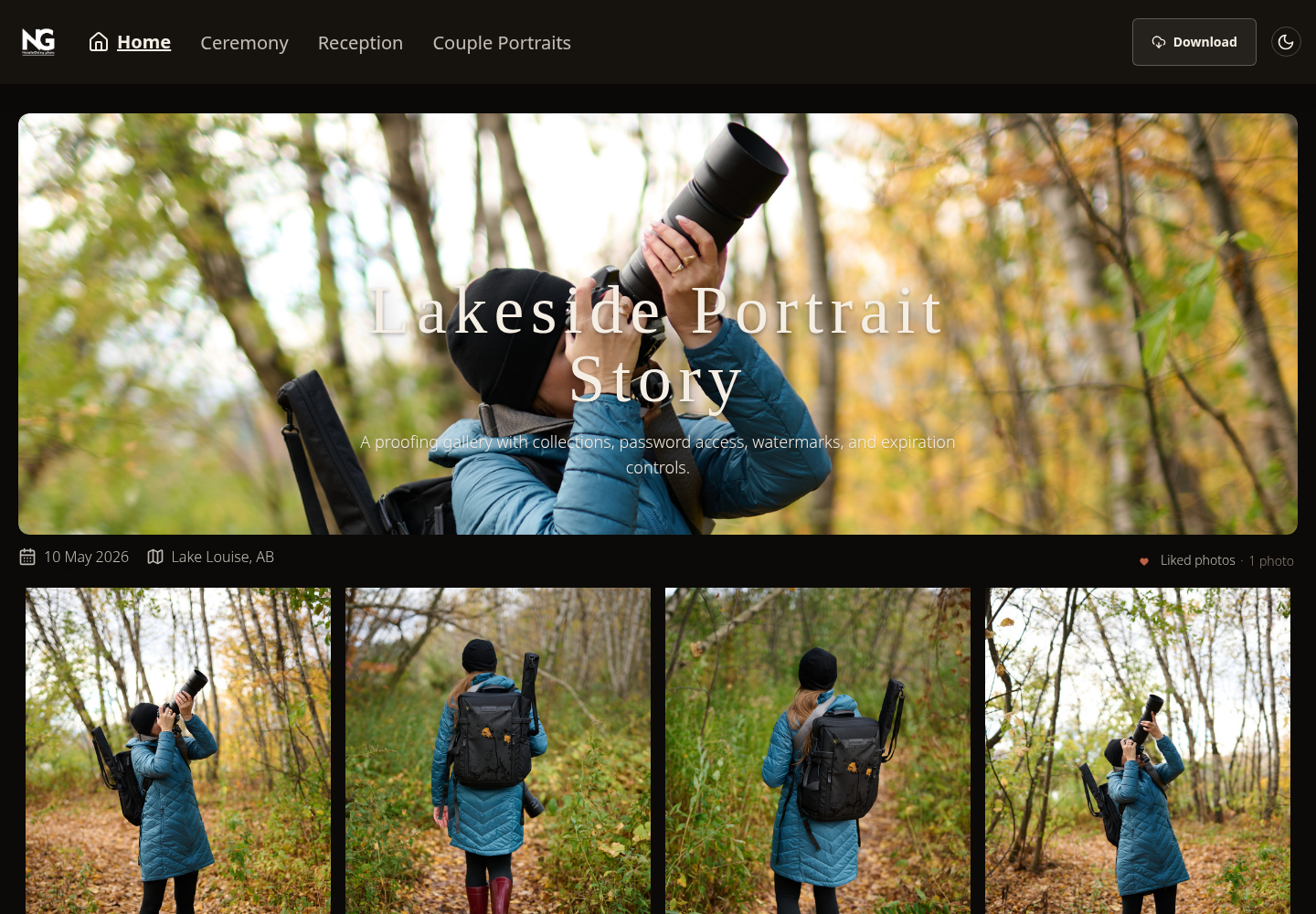
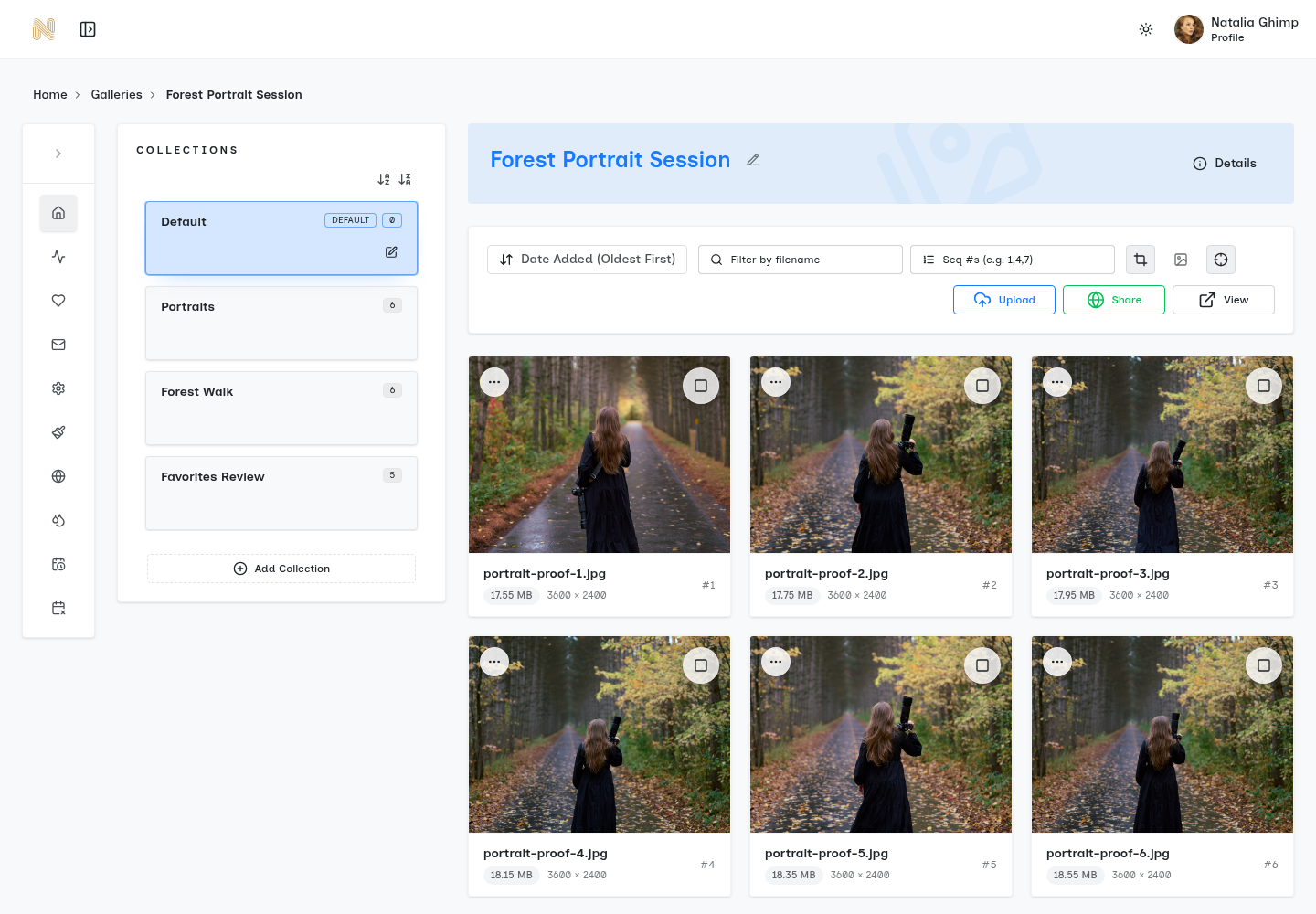
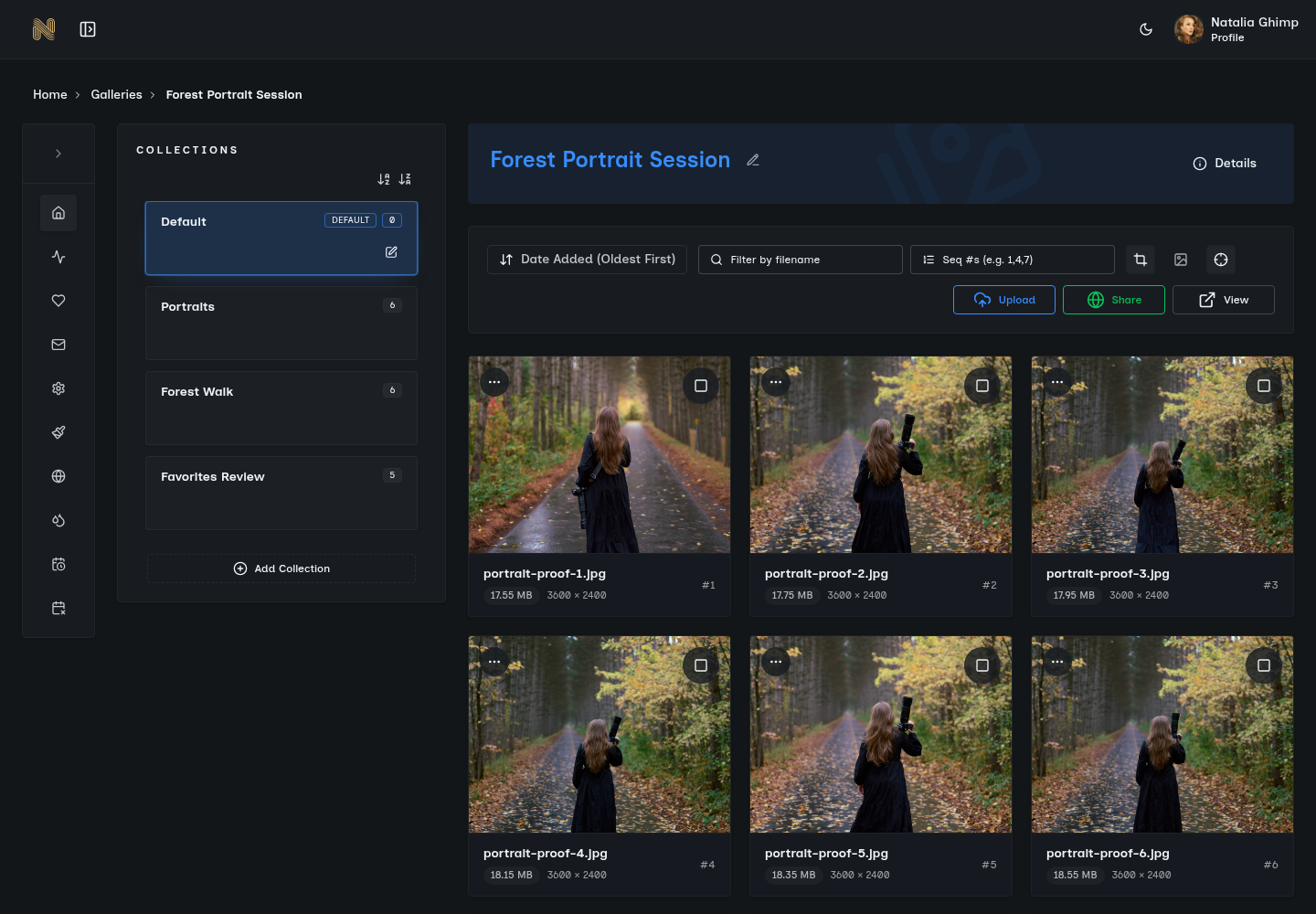
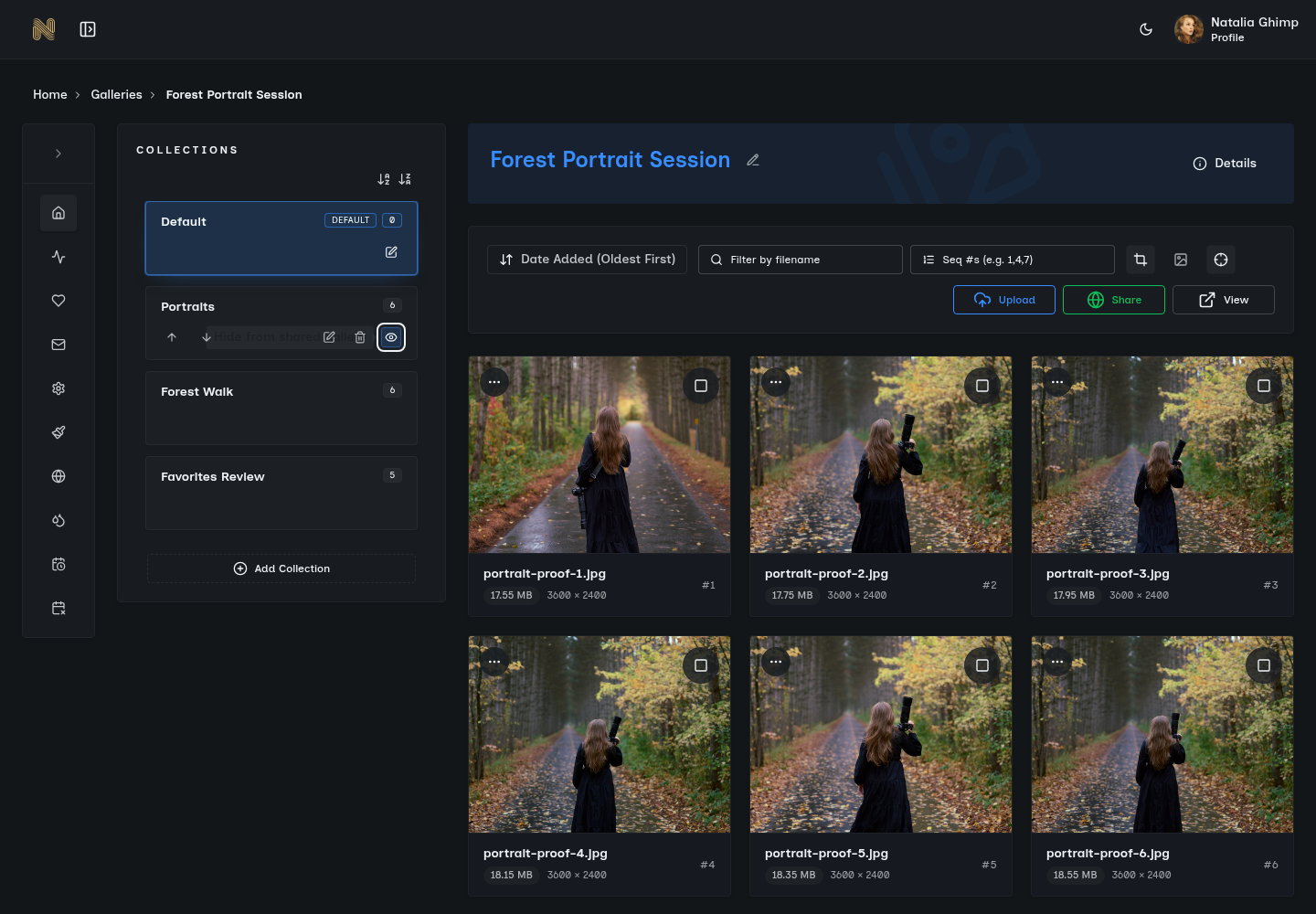
SendPhoto collections organization

Collections That Mirror How Clients Think

The Problem

Dumping 500 photos into a single gallery overwhelms clients. They want to find "those sunset portraits" or "the ceremony shots" without scrolling endlessly. Traditional platforms either dump everything into one massive list or force you to create separate galleries, multiplying your workflow.

SendPhoto Collections organize photos the way humans actually think. Create collections for different parts of a shoot, event phases, or photo styles--all within a single gallery. Clients browse by collection or view everything at once. You maintain organization without the overhead of managing multiple separate galleries.

Key Benefits

  • Unlimited collections per gallery
  • Drag-and-drop organization
  • Clients can browse by collection or view all
  • Maintains context across different shoot moments
  • One link serves the entire organized experience

Real-World Scenario

Marcus photographs a corporate event with morning keynotes, afternoon breakout sessions, and evening reception. Instead of sending three separate gallery links (confusing for the marketing manager), he creates one gallery with three collections. The client can view everything at once or jump straight to the evening photos they need for the press release.

Collections support nested organization and can be reordered any time. Each collection shows its image count and can have its own cover image. Clients can choose collection-by-collection downloads or grab everything at once.

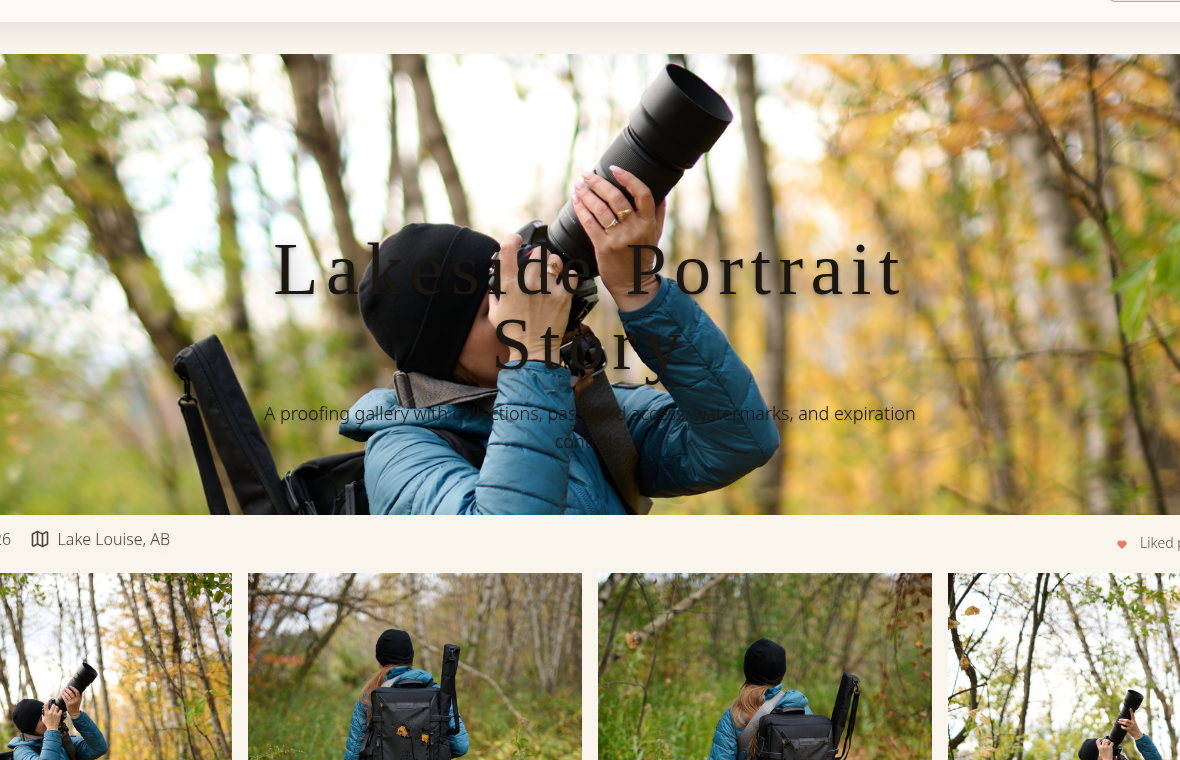
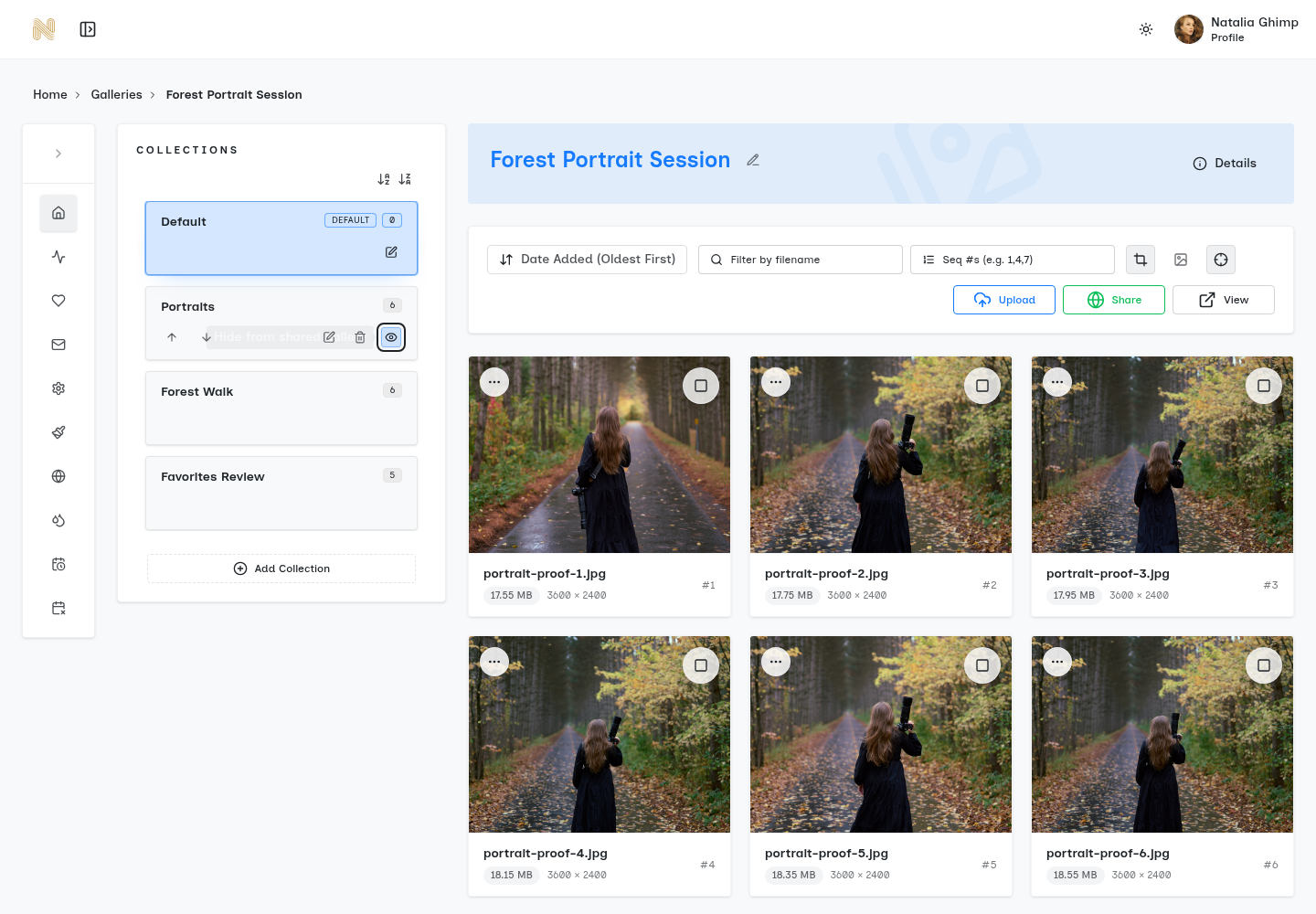
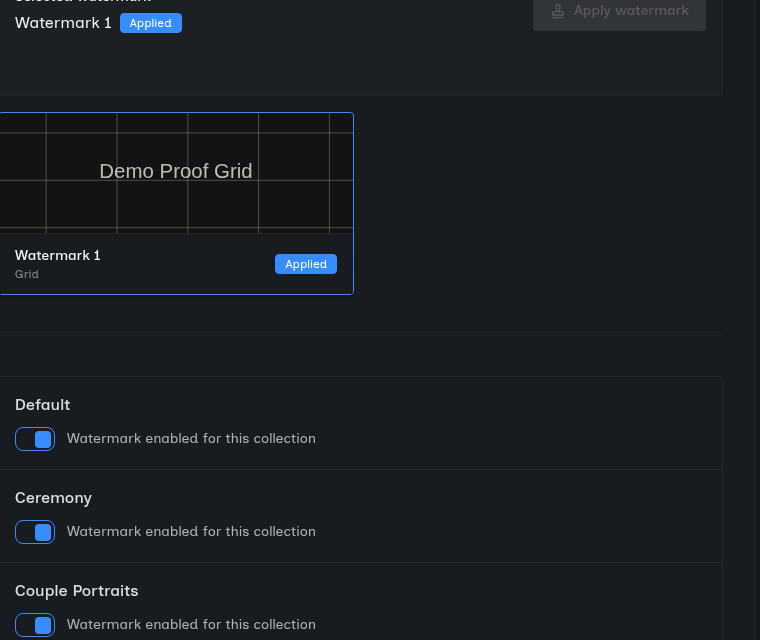
SendPhoto watermark feature

Watermarks Without the Workflow Overhead

The Problem

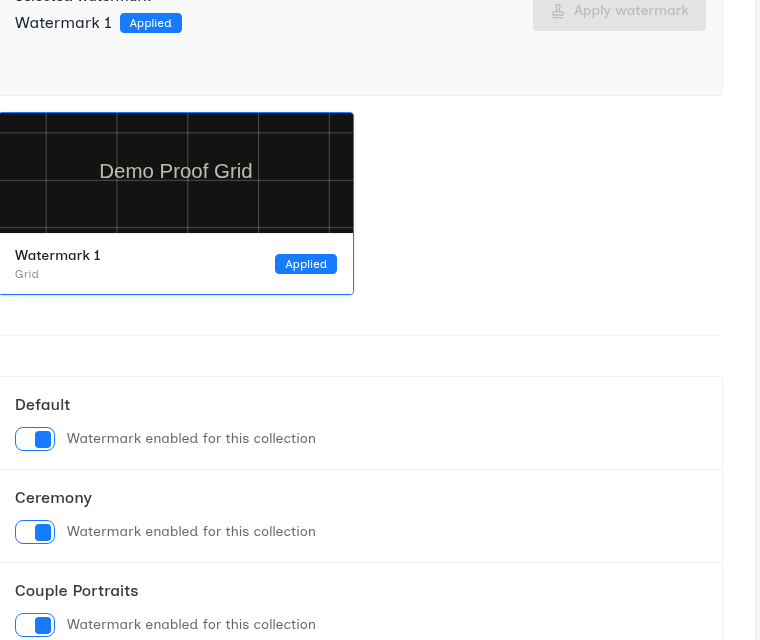
You want to protect your images from unauthorized use, but adding watermarks means either exporting a separate watermarked set (doubling your storage and workflow) or permanently marking images clients will download. Most platforms force you to choose: protection or convenience.

SendPhoto applies watermarks on the fly during gallery viewing, then delivers clean, unwatermarked images when clients download. You upload once. Clients browse watermarked previews that protect your work. Downloads are clean and ready to use. The best of both worlds, with zero extra effort.

Key Benefits

  • Custom text or image watermarks
  • Automatic application to gallery previews
  • Clean, unwatermarked downloads
  • Position and opacity control
  • Per-gallery watermark settings

Real-World Scenario

Jennifer shoots senior portraits and needs to proof images before final selection. She uploads to SendPhoto with her logo watermark enabled. The student shares preview images on social media (inadvertently marketing Jennifer's brand). When the family purchases and downloads their final selections, they receive clean, professional images without watermarks.

Watermarks are rendered server-side in real-time, meaning no performance impact on your uploads. Supports PNG logo overlays with transparency, custom text with font selection, and positioning in any corner or center. Watermark settings can be saved as presets for consistent branding.

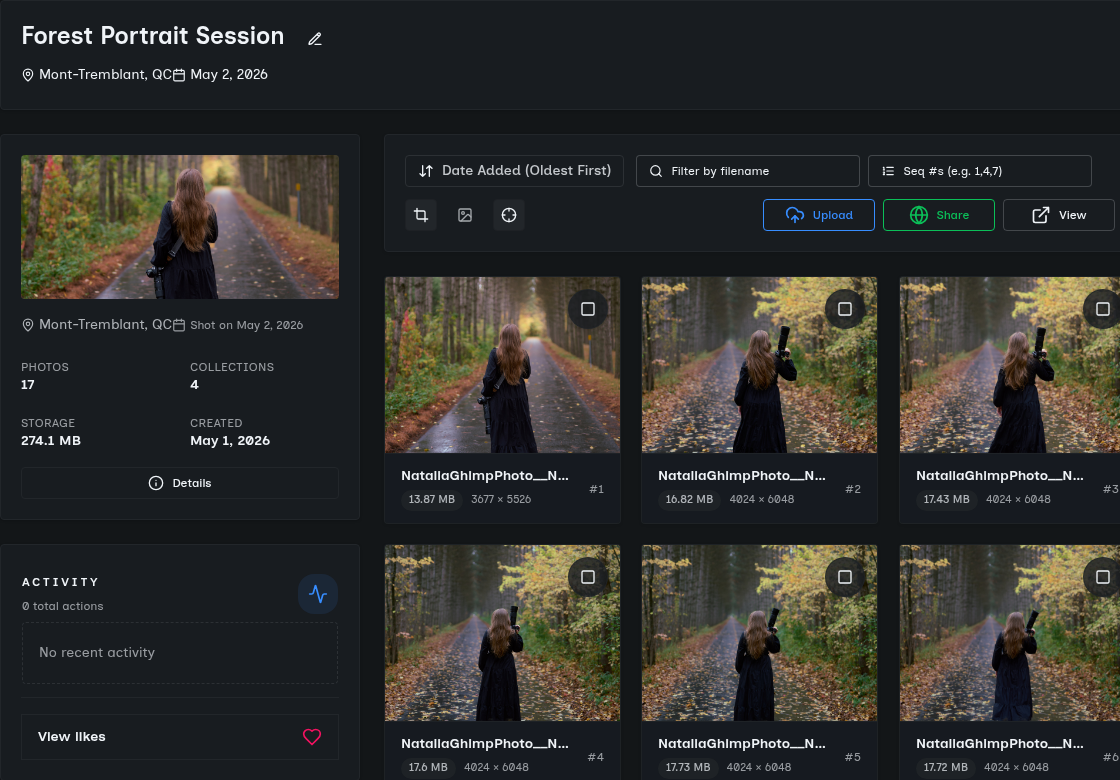
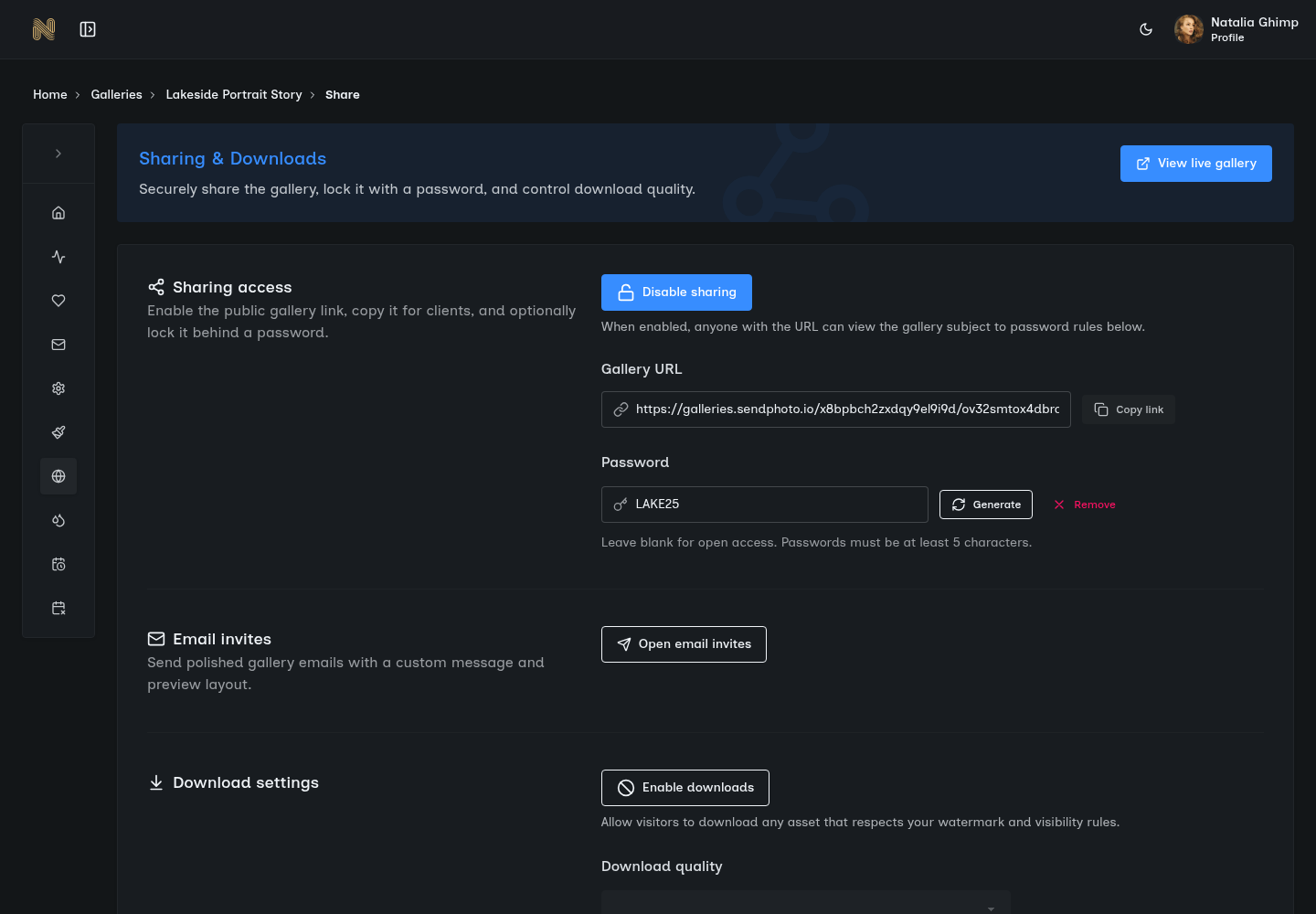
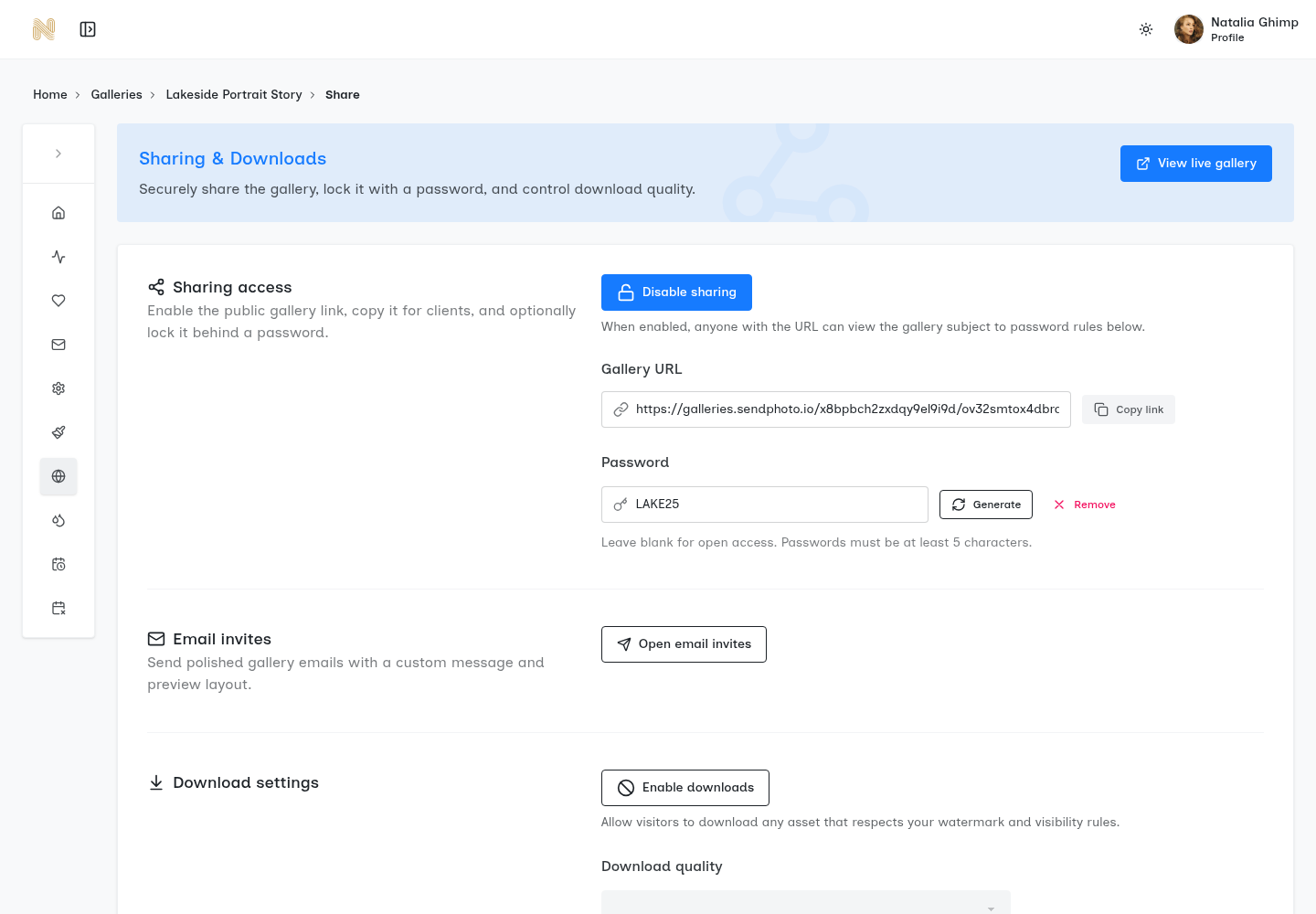
SendPhoto password protection

Password Protection That Clients Actually Use

The Problem

Wedding photos, corporate headshots, private events--these need privacy. But complex password systems mean support calls from clients who cannot access their galleries. Too simple and you have no real protection.

SendPhoto password protection strikes the balance between security and usability. Set a simple, memorable password when creating a gallery. Share it with your client via text, email, or verbally. They enter it once per device, and the gallery remembers them. No accounts, no password resets, no IT department needed.

Key Benefits

  • Simple password entry, no account required
  • Device-based session memory (enter once)
  • Easy password updates if needed
  • Works across all devices and browsers
  • Optional password expiry dates

Real-World Scenario

David photographs a confidential corporate event. He sets the gallery password to the company name + year (ClientCo2025) and shares it with the HR director. The 47 employees who need access can all use the same simple password. No support tickets. No complexity. Just secure access for the right people.
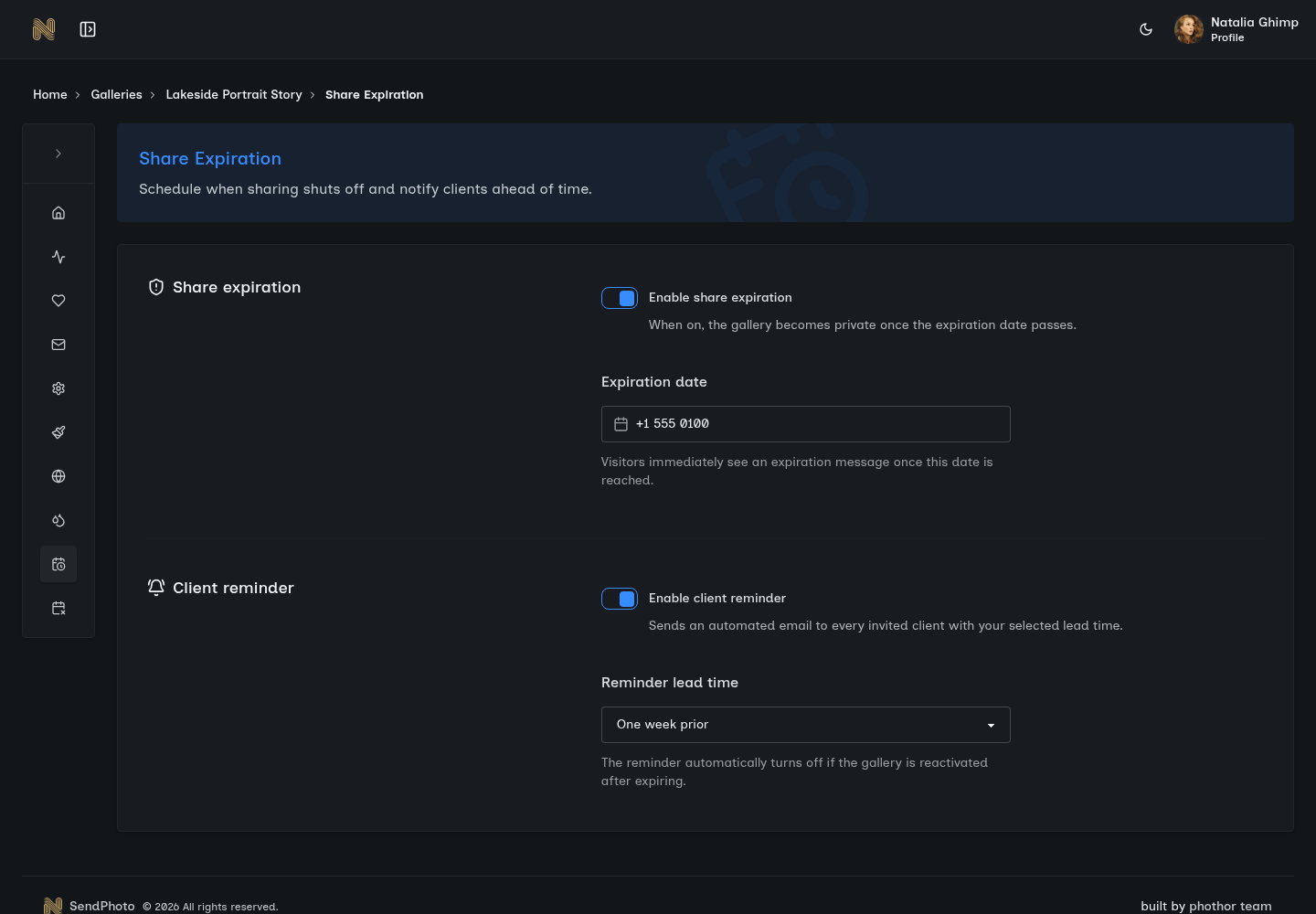
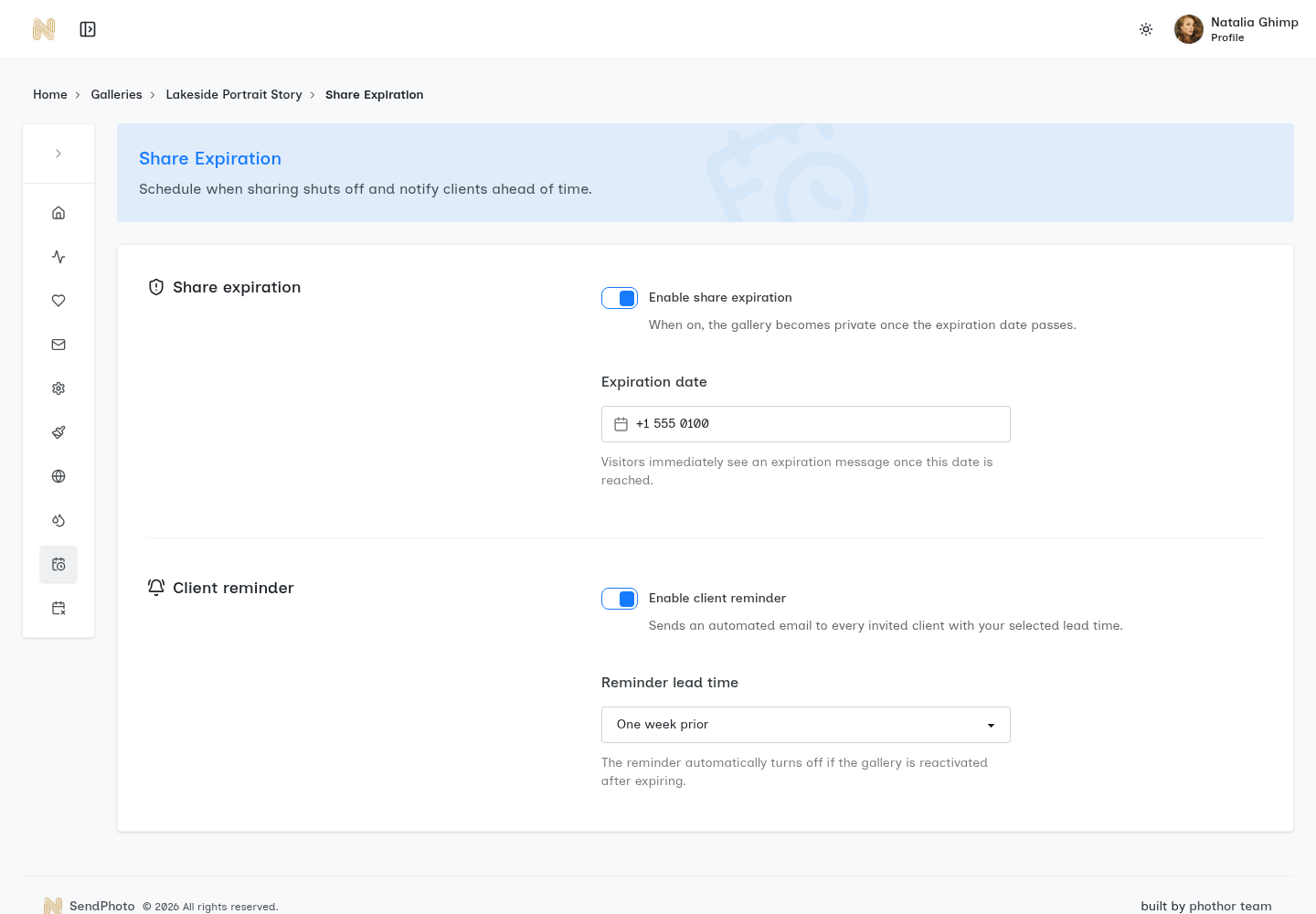
Passwords are hashed and never stored in plain text. Session management uses secure cookies with configurable expiry. You can change passwords anytime and optionally set galleries to expire after a certain date, automatically locking access.

SendPhoto download controls

Download Control Without Being Controlling

The Problem

You want clients to have their photos in full resolution, but you also need control over how they are accessed. Some platforms lock everything behind paywalls. Others give unlimited access with no controls. Neither fits the way photographers actually work with clients.

SendPhoto gives you granular download control. Set maximum image dimensions per gallery (full resolution for purchased shoots, 2000px for proofs). Allow individual image downloads, collection downloads, or full gallery zips. Clients get what they need, when they need it, in the format that works for your business model.

Key Benefits

  • Per-gallery resolution limits
  • Individual image, collection, or full gallery downloads
  • Download tracking to see what clients accessed
  • Bulk download as ZIP files
  • Original quality preservation

Real-World Scenario

Emma shoots real estate photography. She delivers MLS-ready images at 2000px for immediate listing use. After the property sells, she changes the gallery settings to allow full-resolution downloads so the homeowner can keep their memories at maximum quality. Same gallery, different permissions, zero extra work.

Download limits are enforced server-side and apply automatically based on your settings. Clients see one simple download button--the complexity is hidden. All downloads preserve EXIF data and color profiles. ZIP creation happens on-demand to save storage.

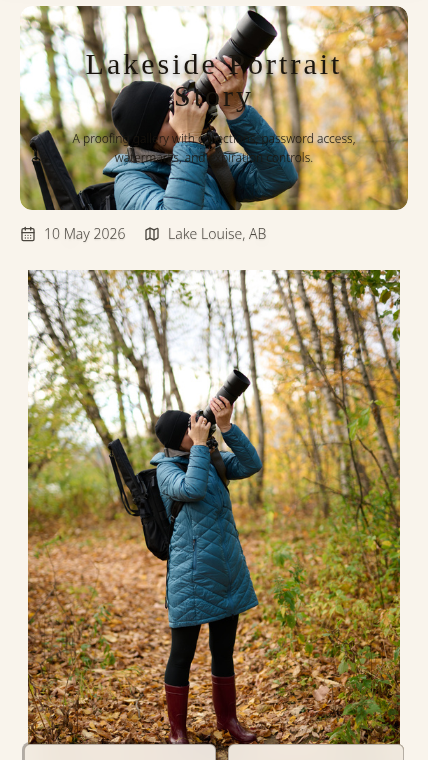
SendPhoto mobile optimization

Mobile Optimization That Actually Matters in 2025

The Problem

Over 70% of photo viewing happens on mobile devices. Yet many gallery platforms deliver desktop experiences crammed onto phone screens--tiny thumbnails, pinch-to-zoom frustration, clunky navigation. Your beautiful photography gets lost in a bad mobile experience.

SendPhoto is mobile-first by design. Galleries automatically adapt to screen size with touch-optimized navigation, swipe gestures, and image sizes that load fast on cellular connections. Clients viewing on phones get the same beautiful experience as desktop users--just optimized for thumbs instead of mice.

Key Benefits

  • Touch-optimized swipe navigation
  • Responsive image loading based on connection speed
  • Vertical scrolling that feels natural on phones
  • Full-screen image viewing with one tap
  • Works perfectly on any screen size

Real-World Scenario

Lisa shoots a destination wedding in Hawaii. The couple shares the gallery link with relatives across the world. Grandma in Florida views on her iPad over morning coffee. The best man in London scrolls on his phone during his train commute. The maid of honor in Tokyo browses on her Android tablet. All three get perfect viewing experiences, automatically.

Our responsive image system delivers the right file size for each device--small files for phones on 4G, full resolution for desktop users on fiber. Touch gestures include swipe-to-next-image, pinch-to-zoom, and tap-to-fullscreen. Lazy loading ensures fast initial page loads even for galleries with 1000+ images.

Traditional Method vs SendPhoto

TaskTraditional MethodSendPhoto
Upload timeExport, resize, watermark, upload to multiple servicesUpload once, everything else is automatic
Client accessAccount creation, password resets, folder navigationOne click on a link
Mobile viewingClunky, requires zooming and pinchingPerfect on any device
OrganizationCreate folders manually, multiple linksCollections in one gallery
WatermarksExport two versions, manage double storageAutomatic preview watermarks, clean downloads
Support callsFrequent - clients confused by interfaceRare - interface is obvious

Stop Fighting Your Workflow

You became a photographer to create beautiful images, not to manage file-sharing logistics. SendPhoto handles the delivery so you can focus on what you do best.

built by phothor team