Brand control

Use branded gallery delivery with custom domain support

Keep the gallery experience aligned with your studio brand instead of making every delivery feel like a third-party storage link.

SendPhoto custom domain settingsSendPhoto custom domain settings

How it works

When this matters

Use this when clients should receive galleries from a branded delivery surface, especially for studios that want the gallery link to feel consistent with the rest of their client experience.

Custom domain setup helps client galleries feel connected to the photographer or studio. SendPhoto supports custom-domain gallery delivery with branded domain checks.

Free accounts can use the core domain and branding tools, but SendPhoto branding remains visible. Paid plans remove SendPhoto branding from the public home page and gallery invite emails.

The gallery presentation can also use studio logo details in the browser tab, so the opened gallery can carry more of the photographer identity than a generic file-sharing page.

  • Custom domain galleries
  • Paid SendPhoto branding removal
  • Branded domain checks before use
  • Studio logo details in the browser tab
  • Works alongside gallery styling and profile branding controls

Client experience

What clients can expect

A closer look at what clients see and what photographers can control.

Custom domain support is available for branded gallery delivery.
Paid plans remove SendPhoto branding from the public home page and gallery invite emails.
Custom gallery domains are checked before use.
Client galleries can use studio logo details in the browser tab.

Practical setup

Branded delivery from the link to the opened gallery

Custom domain support helps the gallery feel connected to the photographer or studio instead of looking like a generic storage handoff. Paid plans go further by removing SendPhoto branding from the public home page and gallery invite emails.

Custom-domain gallery handling

SendPhoto supports custom-domain gallery delivery with branded domain checks before a custom gallery domain is used. Free accounts can set up the domain path, but SendPhoto branding remains visible on the public home page and invite emails.

  • Use a branded gallery hostname
  • Validate custom gallery hosts
  • Keep client delivery aligned with the studio brand

Profile and brand presentation

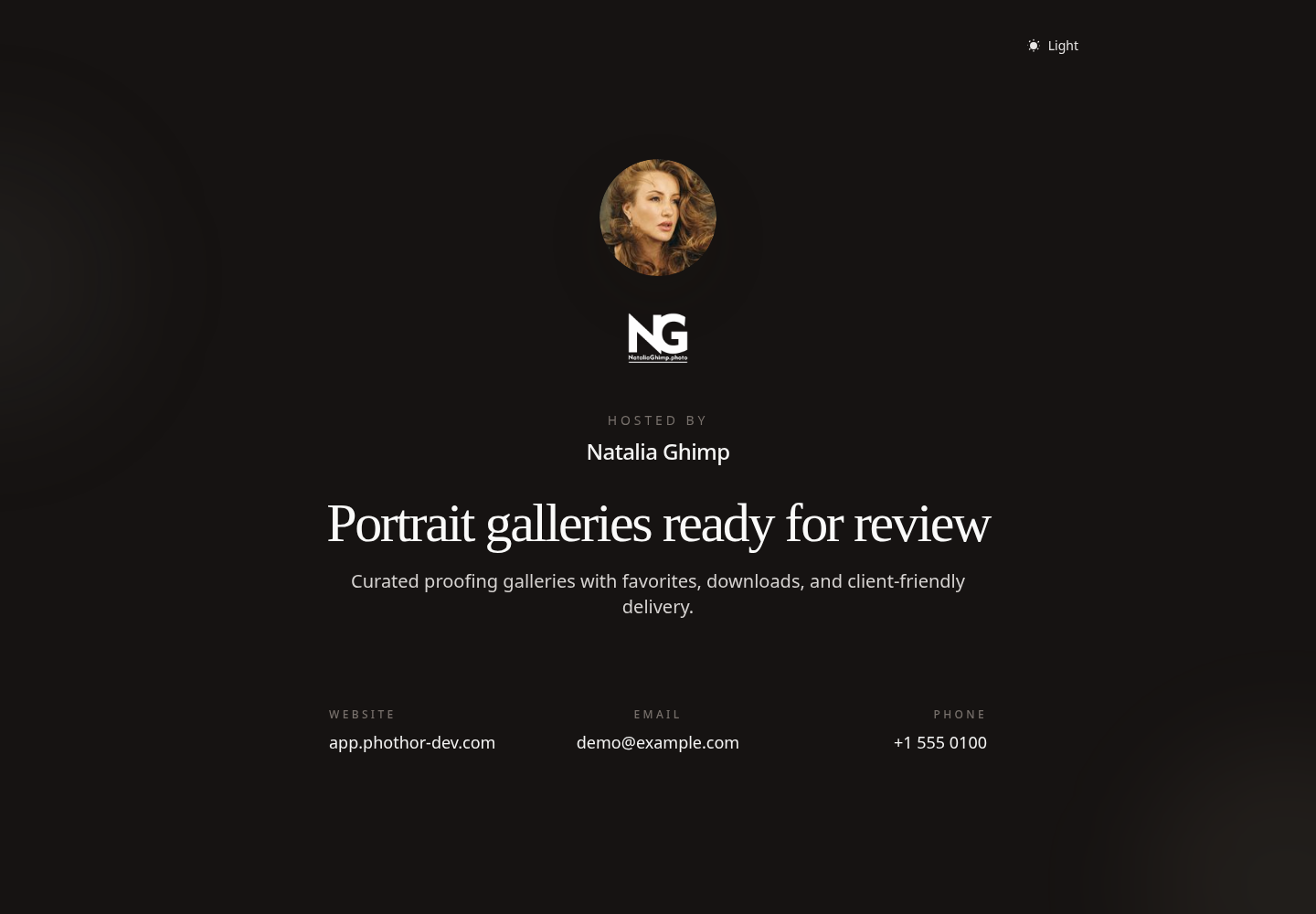
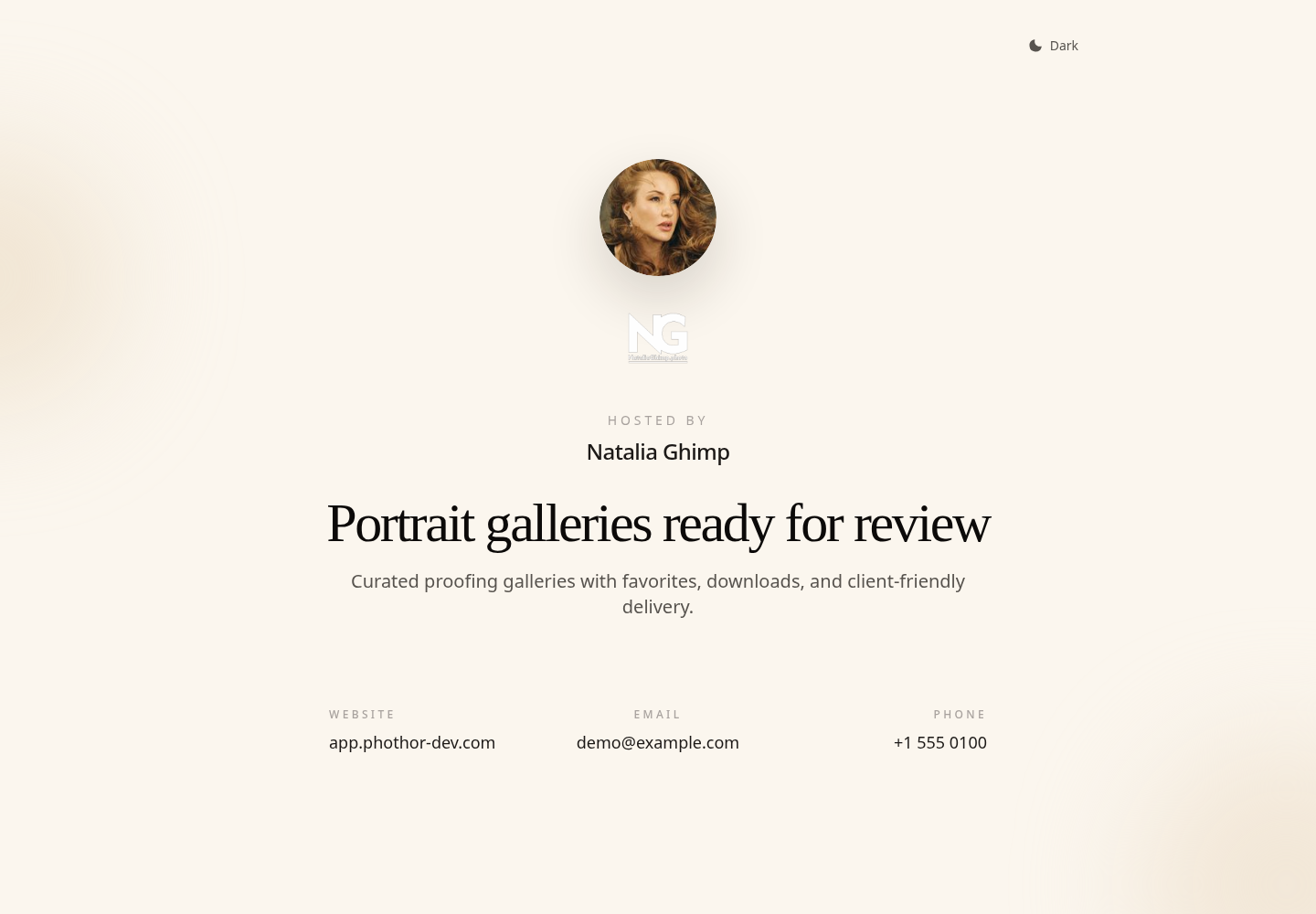
Profile details can include logo, avatar, company name, website, email, a public profile URL, and public profile controls, giving photographers more control over public-facing presentation. Paid plans remove the SendPhoto home-page label and default SendPhoto page framing.

  • Public photographer home page settings
  • Profile logo and avatar presentation
  • Company and profile details for branded surfaces
  • Paid removal of SendPhoto branding from the public home page

Gallery identity details

Client galleries can use studio logo details in the browser tab and other gallery presentation controls so the opened gallery feels less like a plain transfer page. Paid plans also remove the Powered by SendPhoto footer from gallery invite emails.

  • Studio logo details in the browser tab
  • Gallery cover and background presentation controls
  • Custom colors, fonts, and style presets on gallery pages
  • Paid removal of SendPhoto branding from invite emails

Best fit

Studios that want gallery links to match the rest of the client experience

Photographers sending galleries to commercial clients

Teams that want a branded public profile and gallery handoff

Build the gallery around the job, not the workaround.

Use SendPhoto for gallery delivery, access controls, organized browsing, and client-ready downloads in one workflow.