Privacy

Password Protection ThatClients Actually Use

Protect sensitive galleries without the complexity. Simple passwords, no accounts required, automatic device memory. Security and usability in perfect balance—no IT department needed.

No client accounts needed
Enter once per device
Works everywhere
The Problem

The Privacy Protection Paradox

Complex Password Systems

Some platforms require individual accounts with strong passwords, two-factor authentication, and email verification. Grandma can't access the wedding photos because she forgot her password. Again. Security so complex it becomes its own barrier.

Password Reset Hell

Client forgets password. You send reset link. It goes to spam. They request another. That expires. You get a phone call. You walk them through it. You became tech support instead of a photographer.

Too Simple, Not Secure

Make passwords too simple and you have no real protection. Anyone can guess "wedding2024." But make them complex and clients can't remember them. The balance feels impossible.

Individual Account Nightmare

Corporate event with 50 attendees who need access? Creating 50 individual accounts is absurd. Sharing one complex password via email is insecure. Enterprise-level complexity for a simple photo gallery.

The Privacy Tax

You need to protect sensitive photos—wedding photos, corporate headshots, private events. But traditional password systems create so much friction that you spend more time troubleshooting access than delivering photos. Privacy shouldn't require a computer science degree.

The Solution

Security Meets Simplicity

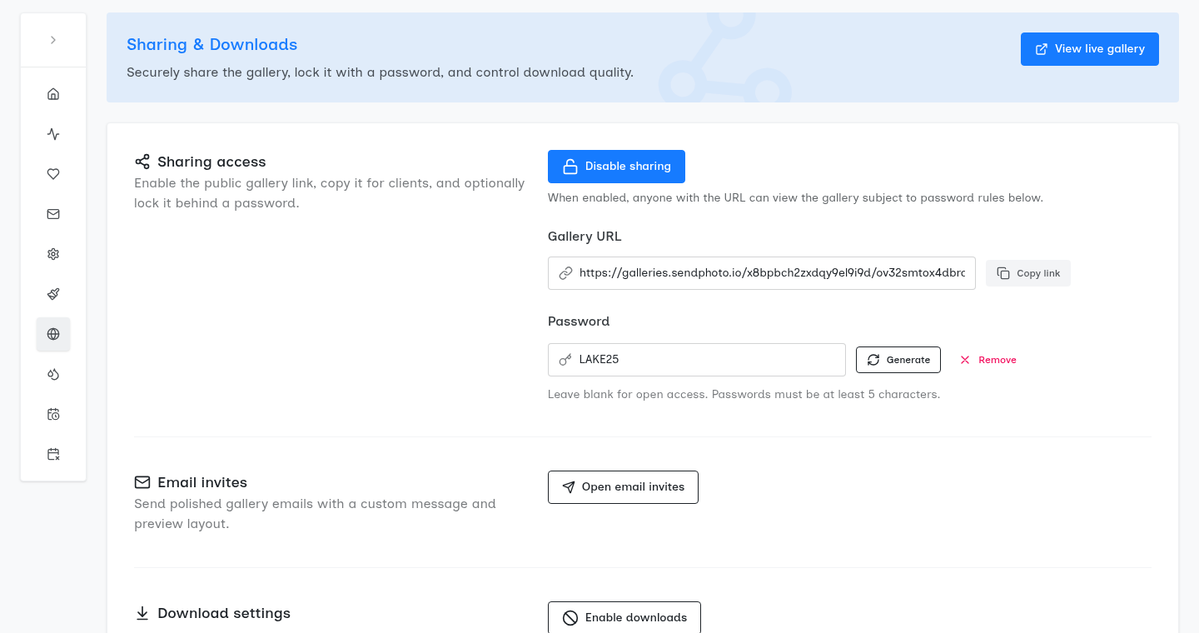
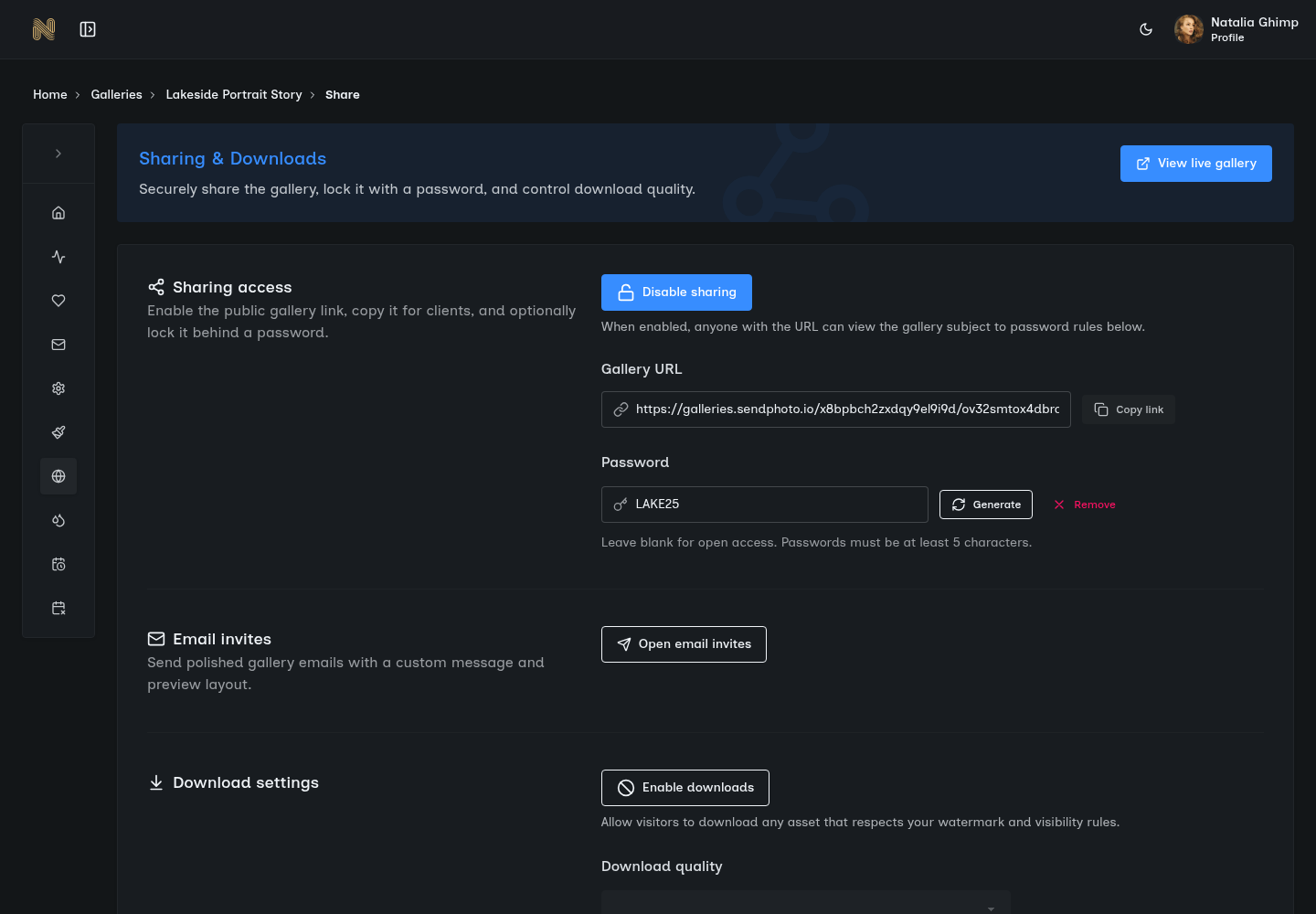
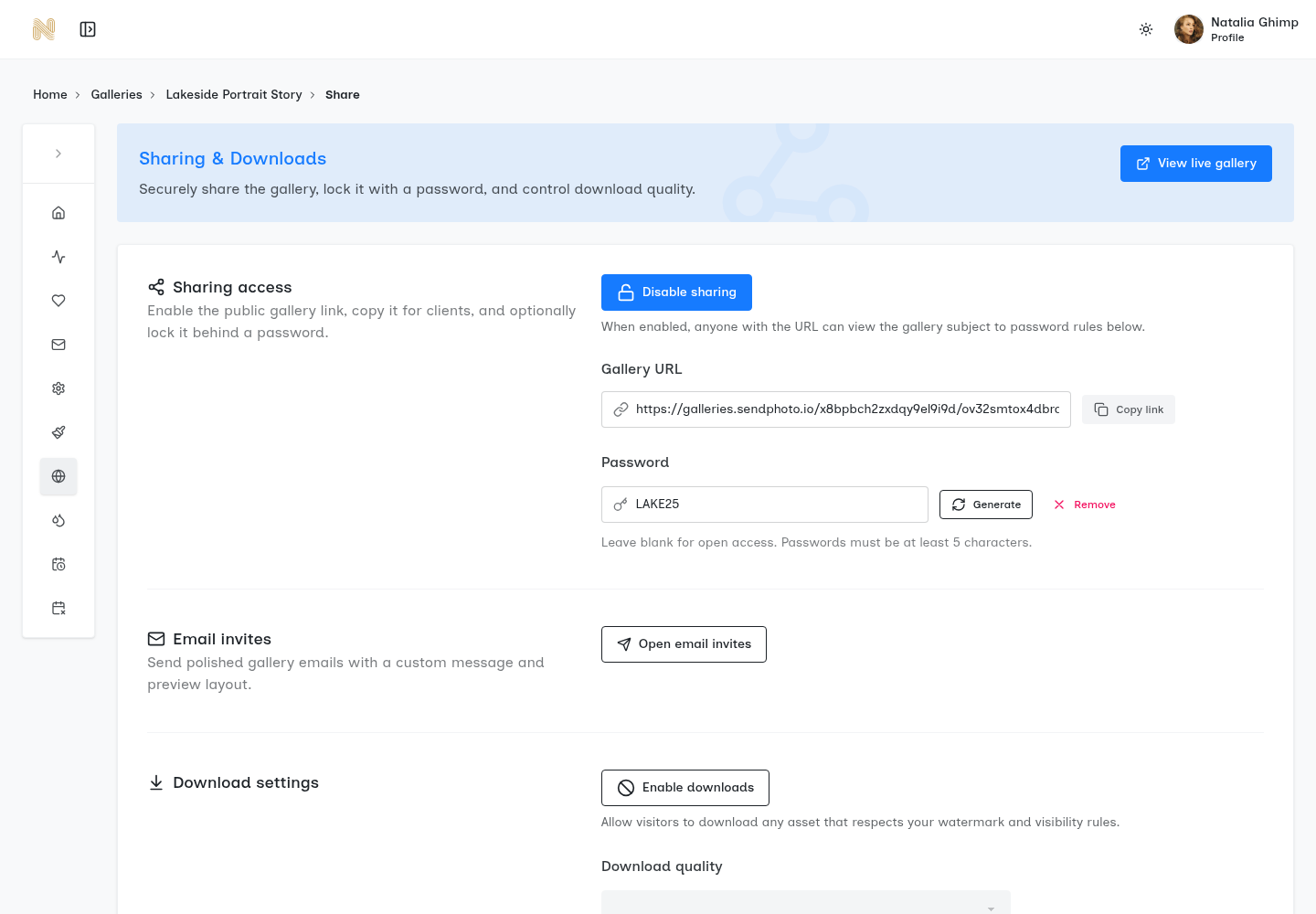
SendPhoto password protection strikes the perfect balance between security and usability. Set a simple, memorable password. Share it with your client. They enter it once per device, and the gallery remembers them.

Simple Entry

No account creation, no email verification. Just a password field. Clients enter the password and access their gallery.

Device Memory

Enter the password once on your phone, once on your laptop. Each device remembers. No repeated logins.

Shareable Access

One password serves multiple people. Perfect for families, corporate teams, and event attendees.

Works Across All Devices and Browsers

iPhone, Android, Windows, Mac, iPad—it all works. Chrome, Safari, Firefox, Edge—it all works. Your client's tech setup doesn't matter. Universal compatibility, zero compatibility issues.

Easy Password Updates If Needed

Need to change the password? Update it in your gallery settings. The new password takes effect immediately. Previous access is revoked. Full control without complexity.

Optional Password Expiry Dates

Set galleries to automatically lock after a certain date. Perfect for temporary access scenarios. The gallery remains visible to you but becomes password-protected (or fully locked) for clients after expiry. Time-limited access, fully automated.

Secure Session Management

Passwords are hashed and never stored in plain text. Session cookies use secure, httpOnly flags. Configurable session expiry. Bank-level security with consumer-level simplicity.

See It In Action

Confidential Corporate Event

How David secured access for 47 employees without 47 accounts

1

The Event

David photographs TechCorp's confidential product launch event. The photos show unreleased products and can't be public. 47 employees who attended need access, but the gallery can't be publicly viewable.

2

Gallery Setup

David uploads the photos to SendPhoto and enables password protection. He sets a simple, memorable password: TechCorp2025 Easy to remember, easy to share verbally or via text.

3

Sharing Access

David sends the gallery link and password to the HR director via email: "Gallery link: [URL]. Password: TechCorp2025." The HR director forwards it to all attendees in one email. No individual account setup. No IT department involvement.

4

Employee Access

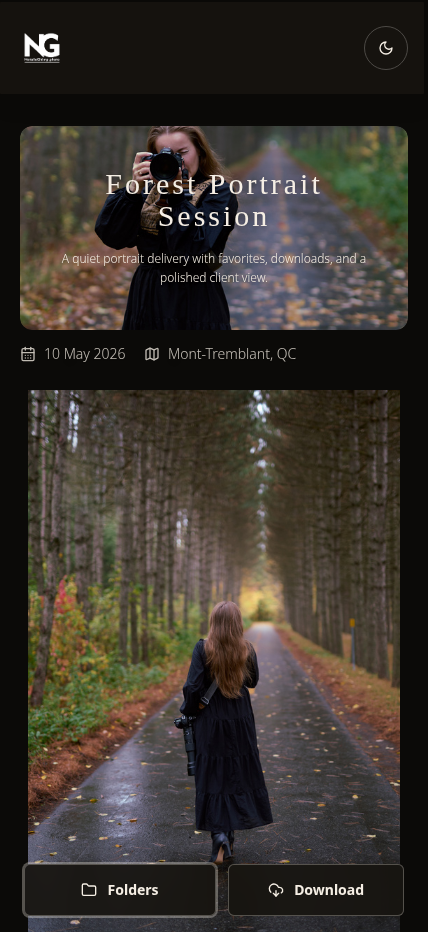
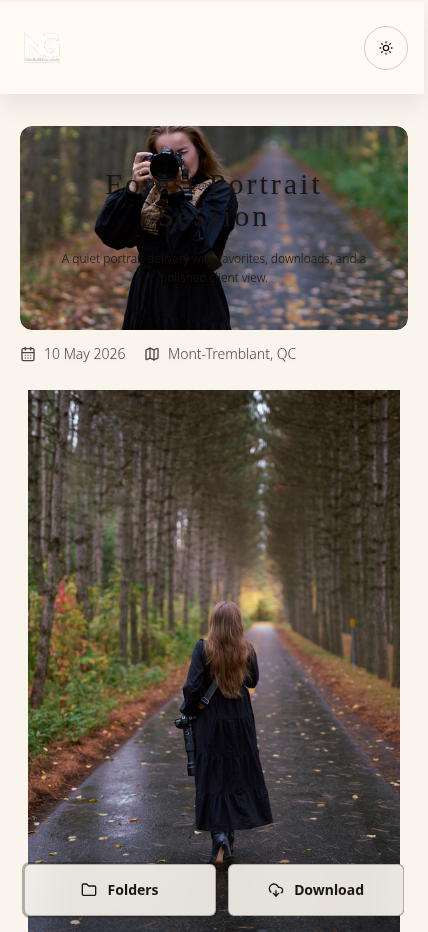
All 47 employees click the link. They see a clean password entry screen. They typeTechCorp2025 and press enter. Gallery loads. Each employee enters the password once on their phone, once on their laptop if needed. Device remembers them. No repeated logins.

The Outcome

Zero support tickets. Zero password resets. Zero confusion.The photos remain protected from public access. All authorized employees have seamless access. David avoided creating 47 individual accounts or dealing with complex authentication systems.

Bonus: Temporary Access

Three months later, David sets an expiry date on the gallery. After the expiry, the gallery automatically locks to new viewers. Previously-authenticated employees retain access, but the gallery can't be shared further. Time-limited security without manual management.

How Password Protection Works

Security you can trust, usability your clients will love

Hashed Password Storage

Passwords are hashed using industry-standard bcrypt before storage. We never store plain-text passwords. Even our servers can't read the original password—only verify if an entered password matches the hash. Your client's privacy is protected even from us.

Secure Session Cookies

Once authenticated, devices receive a secure session cookie with httpOnly and secure flags. Cookies are device-specific and use cryptographically secure tokens. Session hijacking protection built-in.

Configurable Session Expiry

Set how long devices stay authenticated. Default is 30 days, but you can configure anywhere from 1 day to indefinite. Sessions expire automatically based on your settings. Flexible security to match your needs.

Instant Password Changes

Change gallery passwords anytime from your dashboard. New password takes effect immediately. Previous sessions are invalidated—everyone must re-authenticate with the new password. Full control to revoke access when needed.

Optional Expiry Dates

Set galleries to automatically lock after a specific date. Perfect for time-limited proofing, event access, or contractual delivery windows. After expiry, the gallery either requires re-authentication or locks completely based on your settings. Automated security lifecycle management.

Privacy Without the Pain

Protect sensitive galleries with password security that clients can actually use. No accounts, no IT tickets, no complexity. Just simple, effective privacy.

Simple password entry
Device memory
Secure by design
built by phothor team