Download controls

Control gallery downloads without a separate file handoff

Decide when clients can download from a gallery, what quality they receive, and whether they can download one photo, selected collections, or the full gallery as a ZIP archive.

SendPhoto gallery download controlsSendPhoto gallery download controls

How it works

When this matters

Use this when clients need finished files, but you still need control over whether they download originals, lighter files, a specific collection, or the entire gallery.

SendPhoto download control stays with the client gallery. You do not need to send one gallery for viewing and a separate transfer link for files.

Use downloads off for proofing, enable downloads for final delivery, and choose between Original or Scaled down files before clients start saving images.

  • Enable or disable downloads per gallery
  • Choose Original or Scaled down file delivery
  • Allow individual photo, collection, and full-gallery downloads
  • Preserve original filenames inside ZIP downloads
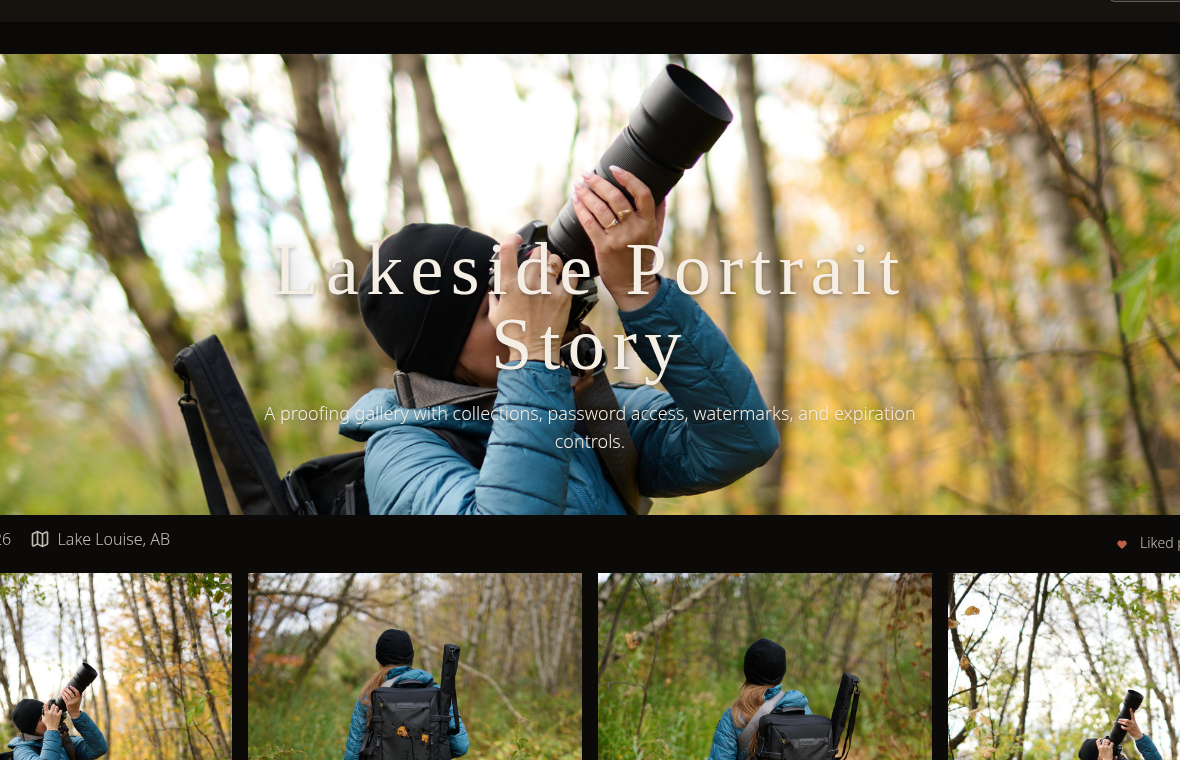
  • Prepare large ZIP archives in the background

Client experience

What clients can expect

A closer look at what clients see and what photographers can control.

Downloads are configured per gallery.
Clients can receive Original or Scaled down files.
Large gallery downloads are prepared as ZIP archives in the background.
Clients can return to the download window and see active download status.

Practical setup

Download settings that match each gallery stage

Download control is not only an on/off switch. It decides what clients can take, what quality they receive, and whether a large delivery can be prepared without a separate file transfer.

What photographers control

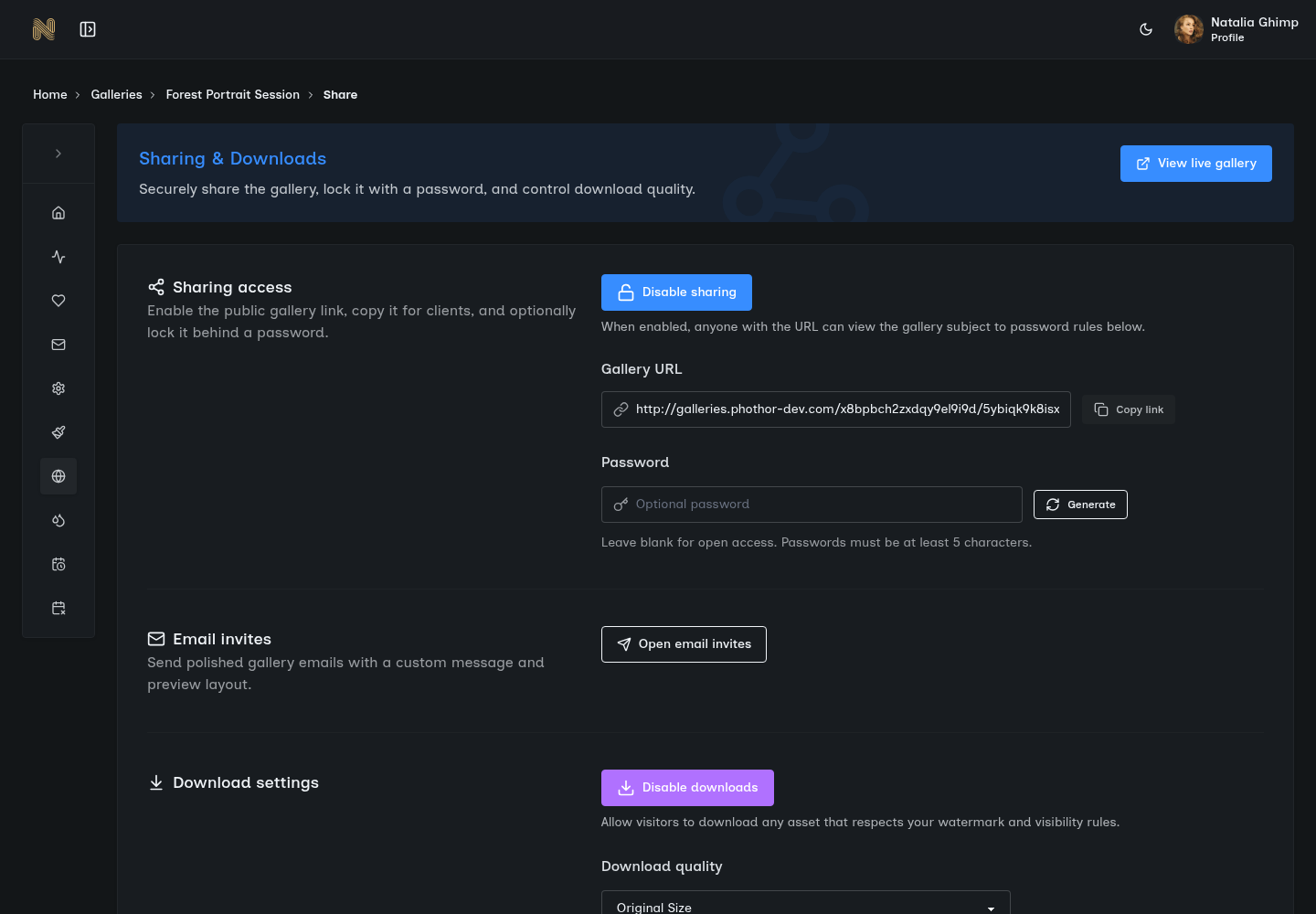
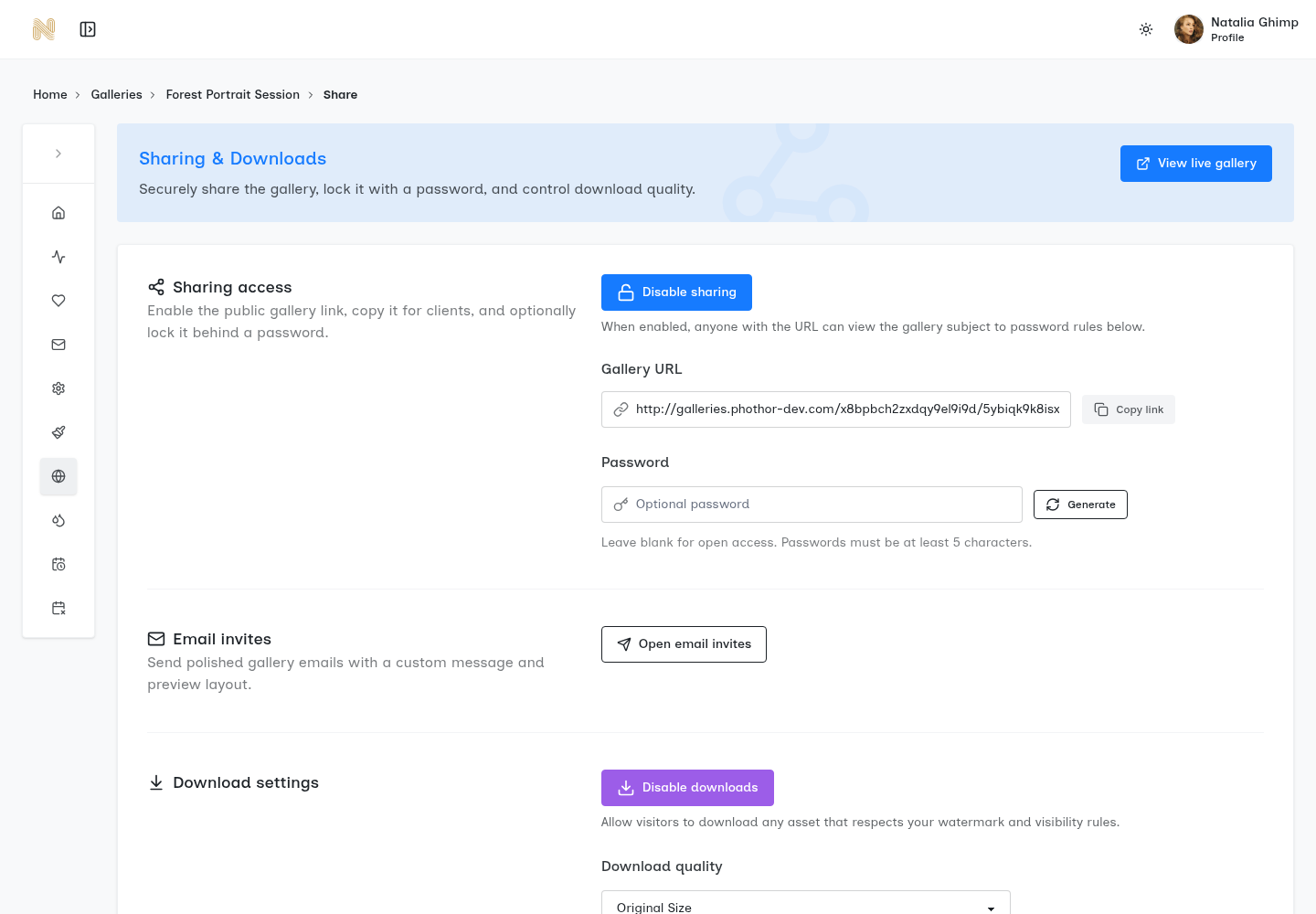
Download settings live in the gallery sharing flow, next to the controls used before sending a gallery link. Each gallery can have its own download setup, so proofing galleries and final delivery galleries do not have to behave the same way.

  • Enable or disable gallery downloads
  • Choose whether client downloads use Original or Scaled down files
  • Allow individual photo downloads when gallery and collection rules permit it
  • Let clients build a ZIP archive from selected collections or the full gallery
  • Preserve original filenames inside ZIP downloads
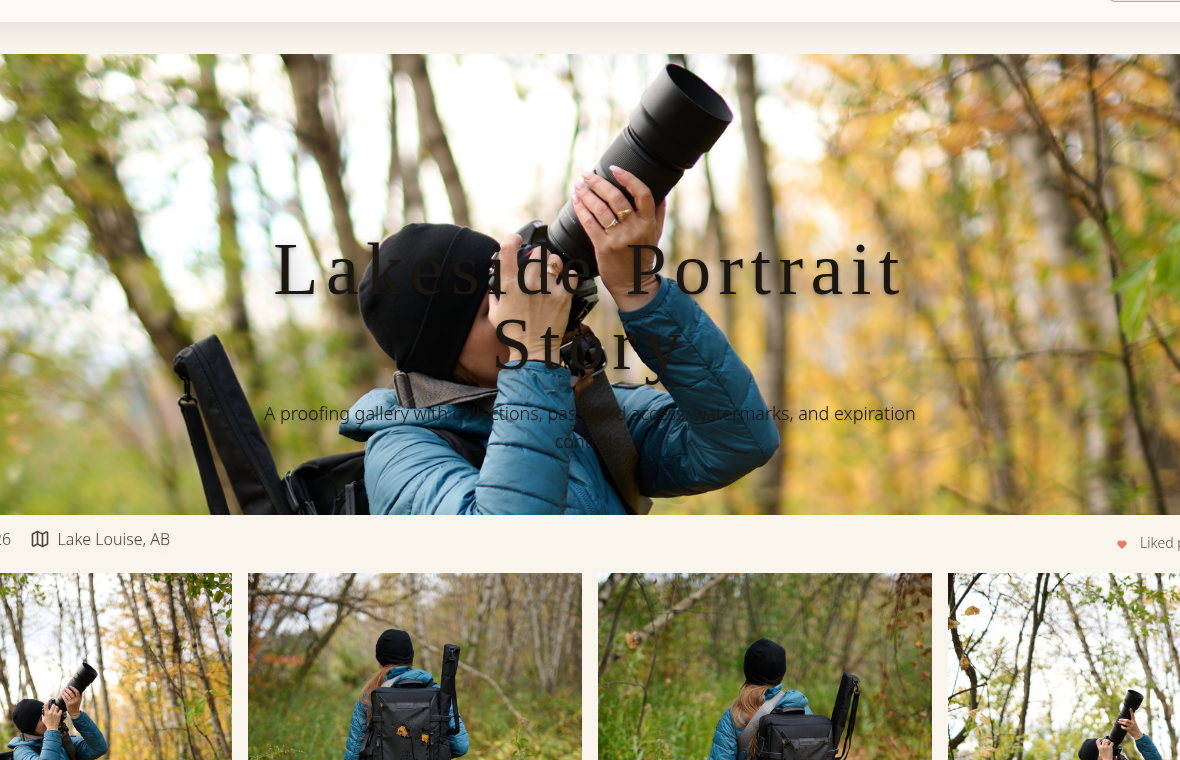
Original or Scaled down files

SendPhoto keeps the visible quality choice simple. Use Original when the gallery is the final handoff and the client should receive the finished files you intend to deliver. Use Scaled down when the client needs lighter files for viewing, sharing, or approval.

  • Downloads off for proofing
  • Scaled down downloads for lighter review files
  • Original downloads for final delivery

Client download options

When downloads are enabled, the client experience stays inside the gallery. Clients can download one image, one collection, several selected collections, or the full gallery.

  • Individual active photo downloads
  • Selected collection downloads
  • Full-gallery ZIP archive downloads

Full-gallery ZIP archives

Large gallery downloads are prepared as ZIP archives in the background. Clients can start the archive request and see progress while SendPhoto prepares the files.

  • Queued, preparing, building ZIP, uploading archive, and archive ready states
  • Visible failure state if archive preparation does not complete
  • Active download status can be restored when a client returns

Folder structure and file names

When clients download selected collections, SendPhoto can preserve the gallery's collection structure inside the ZIP. Non-default collections become folders, while files from the default or root collection stay at the ZIP root.

  • Collection folders stay clear inside ZIP archives
  • Default or root collection files can stay at the ZIP root
  • Original filenames can be preserved for production tracking

Download activity context

SendPhoto can track download actions as customer activity, including individual item downloads and gallery ZIP activity. This gives photographers more context when a client asks whether files were delivered.

  • Individual item downloads can be tracked
  • Gallery ZIP activity can be tracked
  • Views, favorites, downloads, and gallery interaction stay connected

Best fit

Wedding galleries where clients may want the full gallery and selected collections later

Portrait proofing where downloads should stay off until final files are ready

Commercial jobs where filenames and folder structure matter after download

Proofing to final delivery workflow

Use this sequence when the same gallery needs to move from private review to finished file delivery.

  1. 1 Create the gallery and organize photos into client-friendly collections.
  2. 2 Keep downloads off while the gallery is used for proofing or review.
  3. 3 Pair proofing access with password protection, watermarks, or favorites when needed.
  4. 4 Choose Scaled down files if clients need lighter review downloads.
  5. 5 Switch to Original downloads when finished files are ready.
  6. 6 Let clients download one photo, selected collections, or the full gallery ZIP.

Which download setup fits the job?

Scenario Recommended setup Why it helps
Proofing before final delivery Downloads off, with optional password protection or watermarks Clients can browse, review, and favorite images before final files are released.
Lightweight client review Scaled down downloads Clients can save lighter files without receiving final originals too early.
Finished file delivery Original downloads plus selected collections or full-gallery ZIP The final handoff stays inside the branded gallery instead of a separate transfer link.
Commercial or production jobs Preserve collection folders and original filenames Folder structure and filenames remain useful for retouching notes, print ordering, or production tracking.

Frequently asked questions

Can downloads be turned off for a proofing gallery?

Yes. Downloads can be disabled per gallery. That is useful when clients should browse, review, or favorite images before final files are released.

What download quality can photographers choose?

The visible download quality choices are Original and Scaled down. Use Original for final file delivery. Use Scaled down when clients need lighter files and full originals are not the right handoff yet.

Can clients download one collection instead of the whole gallery?

Yes. When downloads are enabled, clients can select folders or collections before starting an archive download. They can download one collection, several selected collections, or the full gallery.

Does SendPhoto prepare large ZIP downloads in the background?

Yes. Large gallery archives can be prepared in the background with visible progress states, including queued, preparing files, building ZIP, and archive ready. SendPhoto can also restore active download status when a client returns to the gallery.

Can ZIP downloads keep collection folders and original filenames?

Yes. ZIP archives can preserve collection folders, and photographers can choose to preserve original filenames inside ZIP downloads. Files from the default or root collection can stay at the ZIP root.

Product media

See the download delivery workflow

Real product screenshots show where download decisions live and how gallery organization supports a cleaner client handoff.

SendPhoto gallery sharing settings with download controlsOpen full viewSendPhoto gallery sharing settings with download controlsOpen full view
Download settings live with the gallery sharing controls, so access and delivery decisions stay together.
SendPhoto client gallery for browsing and download deliveryOpen full viewSendPhoto client gallery for browsing and download deliveryOpen full view
Clients browse and download from the same branded gallery experience.
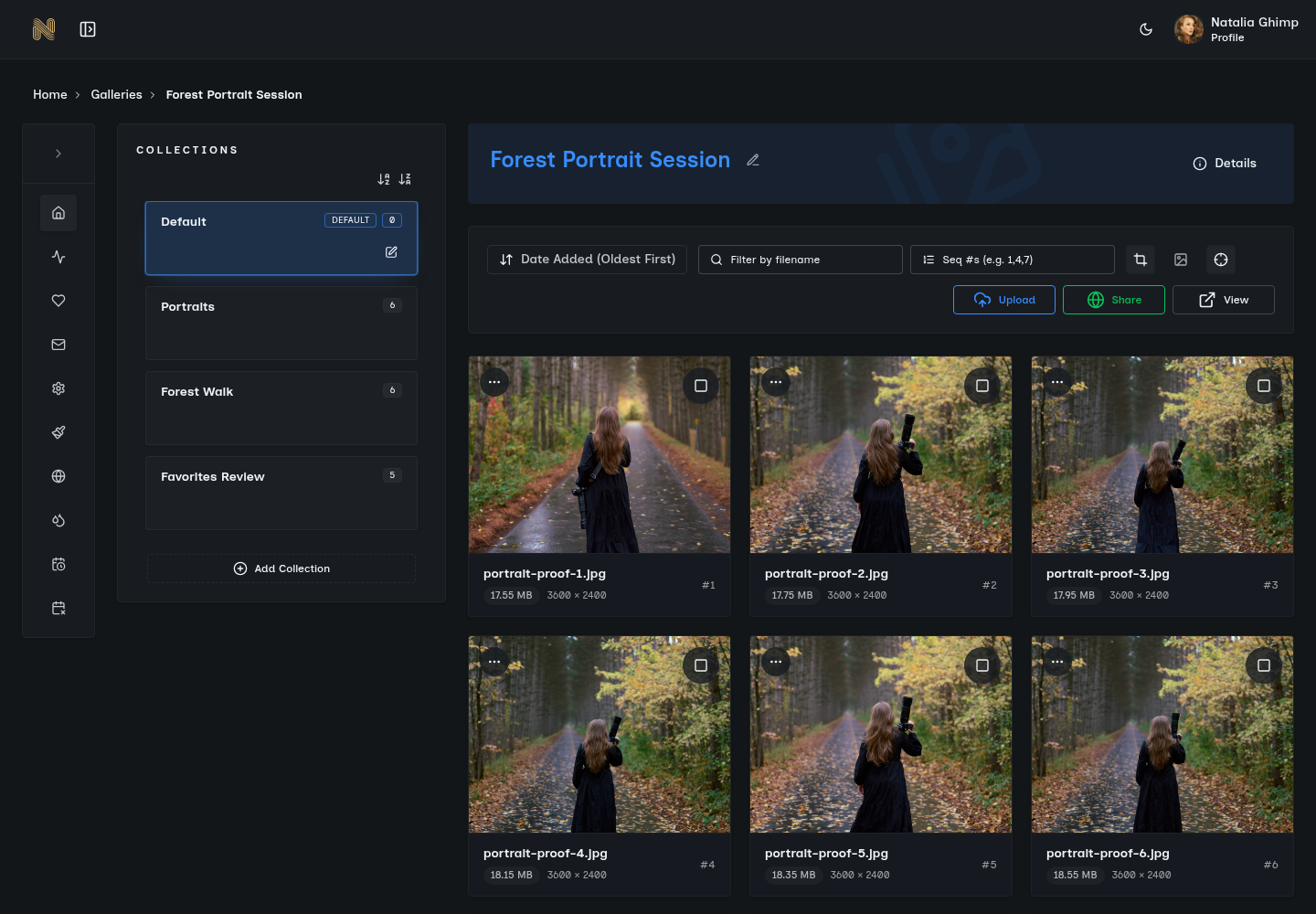
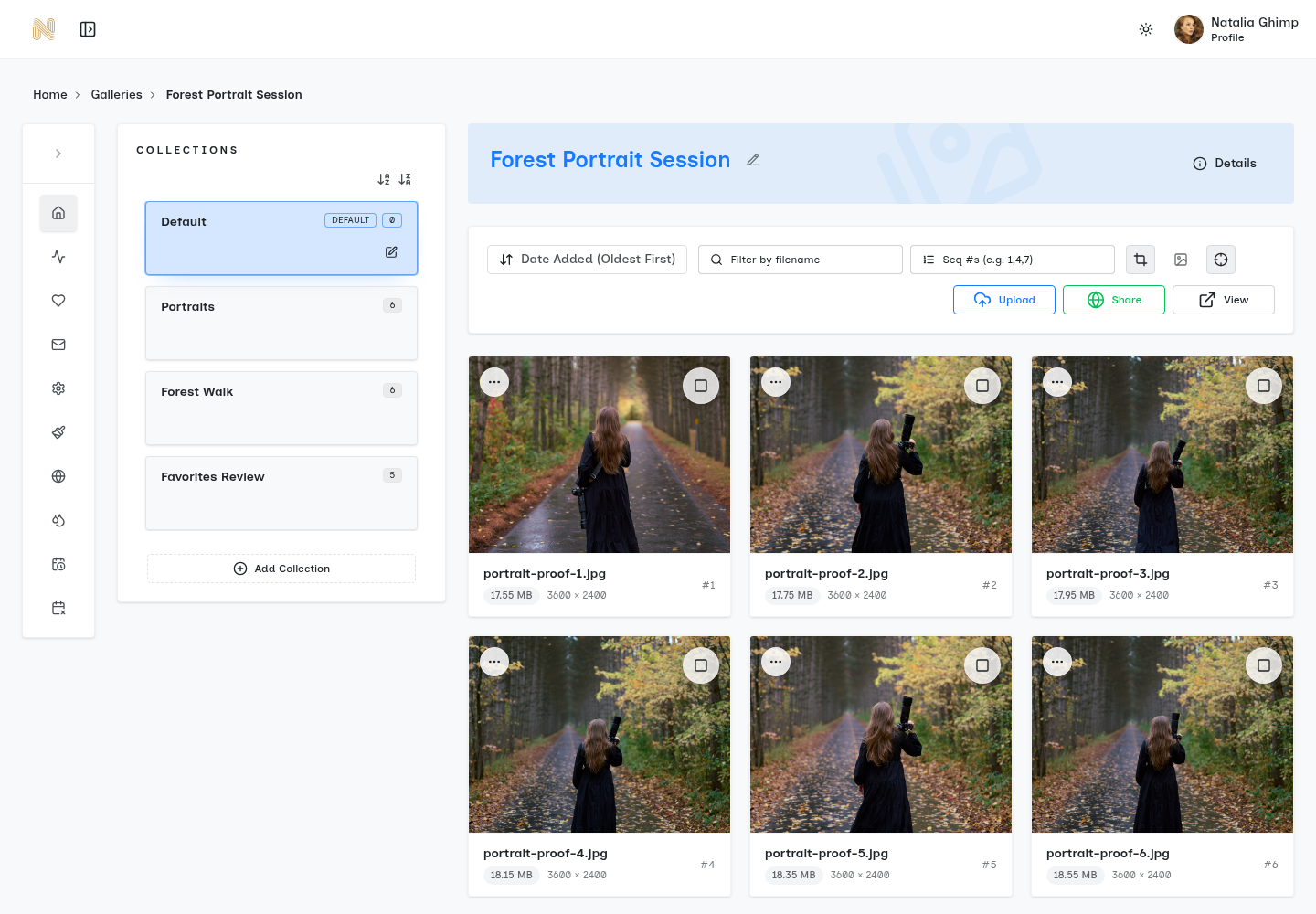
SendPhoto gallery overview with organized collectionsOpen full viewSendPhoto gallery overview with organized collectionsOpen full view
Collection organization helps ZIP downloads keep the delivery structure clear.

Build the gallery around the job, not the workaround.

Use SendPhoto for gallery delivery, access controls, organized browsing, and client-ready downloads in one workflow.