
Clean photo dumps are casual image sets that still feel intentional. They keep the looseness of everyday moments, but use a consistent color palette, simple compositions, careful sequencing, and restrained editing so the final set feels calm instead of chaotic.
For photographers, creators, and small brands, the clean photo dump style is useful because it can show personality without looking overproduced. The goal is not to make every image perfect. The goal is to make the set feel like it belongs together.
What Makes a Photo Dump Feel Clean?
A clean photo dump usually has five qualities:
- A clear color story.
- Simple, uncluttered compositions.
- Similar light and editing.
- A mix of close-ups, wide shots, and detail images.
- A sequence that feels deliberate from first image to last.
The images can still be casual: coffee, travel details, behind-the-scenes moments, home textures, outfit details, street scenes, studio notes, or quiet client-session extras. The difference is curation.
Clean Photo Dump vs Regular Photo Dump
- Mixed colors and lighting can become consistent tones.
- Random order can become intentional sequence.
- Busy frames can become simple compositions.
- Many unrelated moments can become loose but connected story.
- Heavy caption context can become images carry most of the mood.
Neither style is wrong. A clean dump simply gives the casual format more visual discipline.
Start With a Color Story
Color is the fastest way to make a set feel cohesive. Choose a general direction before you select images.
Common clean color stories:
- Warm neutrals: cream, tan, soft brown, muted gold.
- Cool minimal: white, gray, blue, silver.
- Earth tones: green, clay, wood, stone.
- Monochrome: mostly one color family.
- Soft contrast: black, white, and one accent color.
You do not need every image to match exactly. Look for a thread that connects the set. A small accent color appearing in several images can make the whole carousel feel intentional.
Choose Images With Breathing Room
Clean dumps rely on visual space. Images with too many competing subjects can make the set feel noisy.
Look for:
- Plain backgrounds.
- Negative space.
- One clear subject.
- Repeating lines or shapes.
- Soft natural light.
- Calm textures such as linen, stone, paper, wood, or sky.
If an image has a great moment but a messy edge, crop it. A cleaner crop can turn a usable image into an anchor image. Keep an uncropped original and check the preview so the crop does not remove important context.
Use a Consistent Edit
Editing does not need to be dramatic. In fact, clean photo dumps often work better when the edit is subtle.
Keep consistent:
- White balance.
- Contrast.
- Exposure.
- Saturation.
- Grain or texture.
- Black point and shadows.
Before posting, place the images side by side. If one image is much warmer, darker, greener, or more saturated than the others, adjust it or remove it.
Build a Strong Sequence
The order of a clean photo dump matters. A good sequence has rhythm.
Try this structure:
- Strong opener: the most visually clear or emotionally interesting image.
- Context image: a wider frame that sets place or mood.
- Detail image: hands, texture, food, flowers, fabric, light.
- Human moment: movement, expression, or interaction.
- Quiet image: negative space or simple composition.
- Closing image: something that feels like a natural end.
Alternate wide and close images so the set does not feel repetitive. Avoid placing two nearly identical images next to each other unless the repetition is the point.
Six-Frame Curation Example: Coffee and Quiet Shapes
This is our sequencing example made from six credited photographs by different Unsplash contributors. It is not one visit, a SendPhoto shoot, an Instagram screenshot or a tested engagement result. The shared thread is coffee, circular shapes and mostly restrained color. The originals are shown without an added color grade or crop.
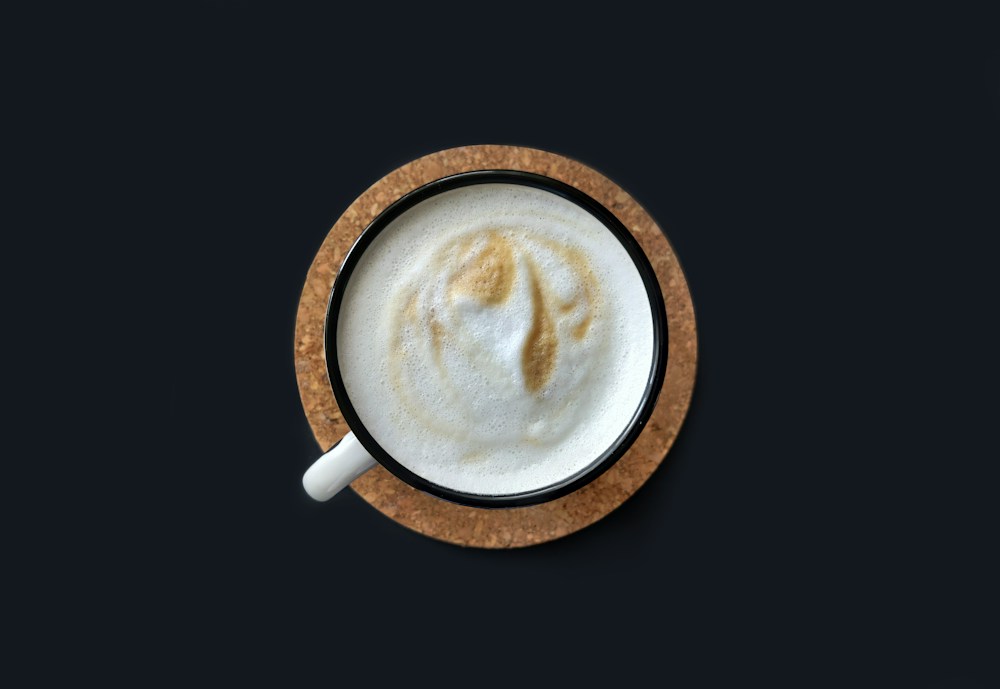

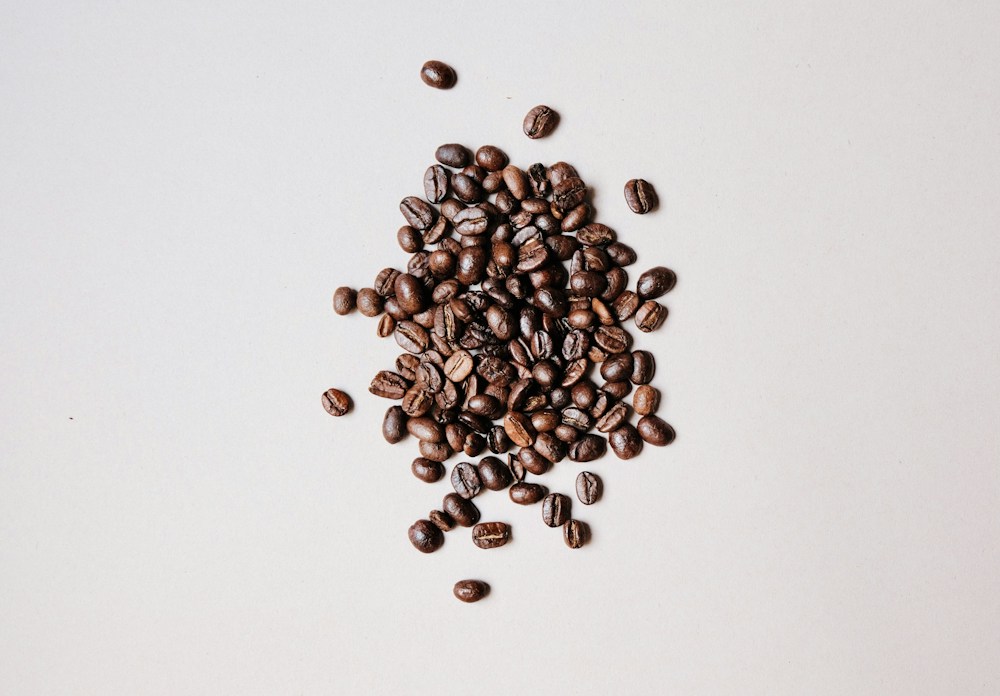
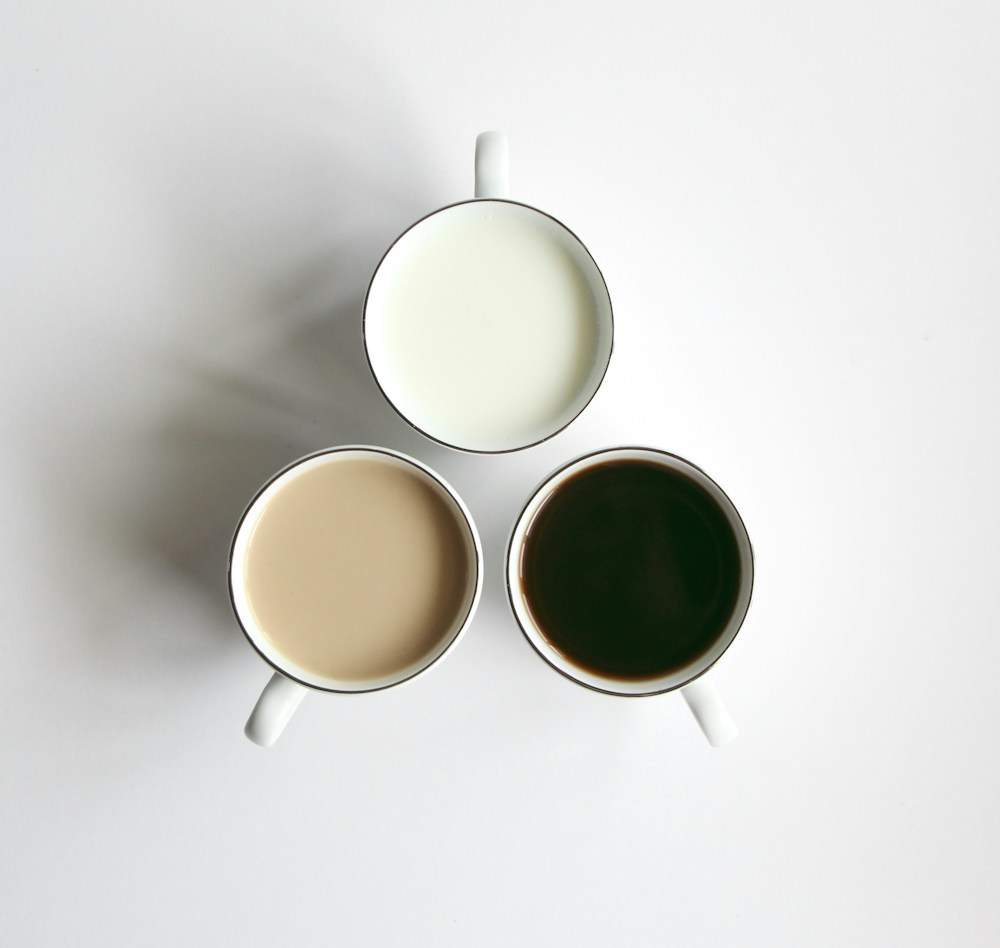

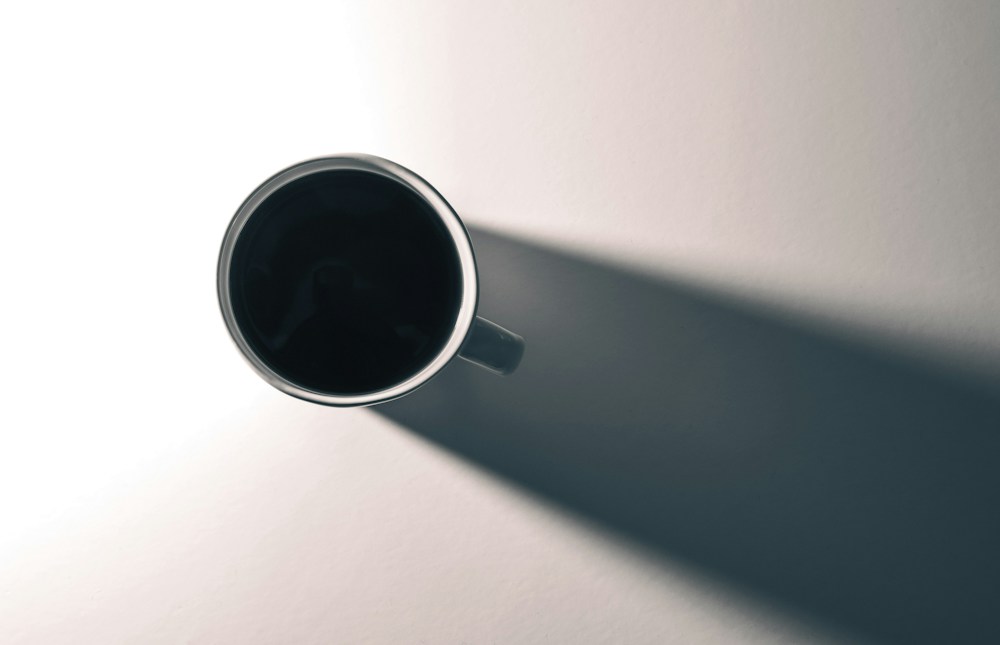
The opener is darker than the rest, and the blue frame is cooler: cohesion does not require identical exposure or white balance. If you want an even quieter set, try omitting the opener or blue frame and compare the rhythm. Do not alter skin, product color or the meaning of a scene just to make everything match. These photographs are used under the Unsplash License.
A Clean Photo Dump Shot List
Use this when shooting for a clean set:
- Establishing image: Street corner, room, table, venue, landscape
- Detail: Coffee cup, jewelry, fabric, paper, flowers
- Texture: Wall, linen, water, wood, stone, shadow
- Human moment: Walking, reaching, laughing, adjusting clothing
- Negative space: Sky, blank wall, open table, quiet frame
- Closing image: Doorway, sunset, final plate, empty room
The set feels richer when it includes different distances and textures.
Prepare the Instagram Carousel
Instagram’s official carousel instructions, checked September 27, 2026, allow up to twenty photos and videos in one post. Our four-to-eight suggestion is about curation, not that limit. The computer instructions apply one orientation across the post, so preview every frame rather than assuming mixed originals will retain their full edges.
Use the images you have permission to publish, arrange the order, inspect each crop and read the caption before sharing. The example above preserves the source photographs’ different shapes for study; it is not a ready-to-upload, consistently cropped carousel. Check the current app or publishing tool’s preview before posting.
Caption Style for Clean Photo Dumps
Captions should match the visual restraint. Long explanations can work, but they should not fight the mood of the images.
Simple caption options:
- A short phrase.
- A date or place.
- A few words about the mood.
- A minimal list.
- A short client or travel note.
Examples:
- quiet weekend
- studio notes
- from the coast
- small moments from today
- details I kept coming back to
Use hashtags and tags only when they serve the post. A cluttered caption can make a clean set feel less considered.
How Photographers Can Use Clean Photo Dumps
Professional photographers can use this format beyond personal posts.
Ideas:
- Behind-the-scenes images from a wedding morning.
- Detail images from a brand shoot.
- Venue textures before a ceremony.
- Quiet outtakes from a family session.
- Travel scouting notes.
- Studio setup details.
- Seasonal portfolio refreshes.
If the images are client-related, agree which files may be published and where. Permission to deliver a gallery is separate from permission to post a portfolio or social carousel. A password does not replace that agreement.
For client delivery, use gallery delivery to present the set, password protection to gate access, and download control to configure downloading. People can forward a link and password; these controls do not verify identity or prevent screenshots and later sharing of saved files.
Common Clean Photo Dump Mistakes
Using Too Many Images
More images do not always make the set stronger. Four to eight cohesive images can feel better than a long carousel with weak extras. This is an editing preference, not Instagram’s upload limit.
Mixing Too Many Color Temperatures
Warm indoor images and cool outdoor images can work together, but they need careful editing. If the shift feels accidental, the set loses cohesion.
Over-Editing
Clean does not mean flat or lifeless. Keep enough contrast and texture that the images still feel real.
Choosing Only Similar Frames
A set of ten nearly identical images can feel repetitive. Mix distance, angle, subject, and pace.
Forgetting the First Image
The first image sets the expectation. Choose a frame that makes the viewer want to continue.
Clean Photo Dump Checklist
Before publishing:
- Does the first image set the tone?
- Do the colors feel connected?
- Is the edit consistent?
- Are busy images removed or cropped?
- Does the sequence alternate wide and close frames?
- Does each image add something new?
- Is the caption aligned with the mood?
- Are client or private images approved for public use?
- Would the set still make sense without a long explanation?
Related Reading
- Browse more photography guides on the SendPhoto blog.
- Use gallery delivery when a curated set should be private.
- Review password protection to configure gallery access.
- See download control to configure gallery downloading.
FAQ
What is a clean photo dump?
A clean photo dump is a casual set of images curated with a consistent visual style, usually through color, composition, editing, and sequencing.
How many photos should be in a clean photo dump?
Use only as many images as the set needs. Four to eight is a suggested editing range, not a platform rule. Instagram’s current carousel guidance allows up to twenty photos and videos, but you do not need to fill every slot.
Do clean photo dumps need to be minimalist?
They do not need to be empty or plain, but they usually benefit from simple compositions, clear subjects, and consistent tones.
Can photographers use clean photo dumps for client work?
Yes, if the specific images are approved for that public use. Delivering a client gallery and publishing a social post are separate decisions; a gallery password is not permission to publish.
What is the easiest way to make a photo dump look cohesive?
Start with a color story, remove images that do not fit, apply a consistent edit, and sequence the images with a mix of wide shots, details, and quiet moments.