
Choose a Mood Before Choosing Images
Photo dump ideas start with a connection between images: a weekend, trip, client session, season, friendship, brand mood or small personal story. The pictures can be casual while the selection remains deliberate.
For photographers and creators, the format is useful because it gives imperfect, in-between, and detail images a place to live. You can show the full atmosphere around a shoot without turning every post into a polished portfolio piece.
This guide covers photo dump ideas, sequencing patterns, editing choices, captions, and ways to separate public social previews from private client delivery.
What Makes a Photo Dump Aesthetic?
An aesthetic photo dump feels cohesive even when the images vary. The connection might be color, location, season, subject, light, or emotion.
Try these ingredients when they suit the images you have. They are creative prompts, not rules or a tested formula for reach:
- One strong opening image.
- A mix of wide, medium, and detail shots.
- Consistent color or editing.
- A few candid or imperfect frames.
- A clear time period or mood.
- A final image that feels like a closing note.
The goal is not to make the dump look careless. The goal is to make it feel lived-in.
Photo Dump Ideas by Theme
1. Weekend Recap
Use this when you have a mix of people, food, places, and small moments.
Include:
- A strong first image of the main moment.
- Coffee, dinner, or table details.
- A candid friend photo.
- A street, room, or landscape frame.
- A blurry or motion-based image.
- One quiet final image.
Caption ideas:
- "weekend pieces"
- "small scenes from saturday"
- "kept these"
- "a few from lately"
2. Travel Photo Dump
For a travel recap, try mixing landmarks with human and place details. A journey-led sequence can follow arrival, exploration and departure; a mood-led set can connect colors or shapes instead.
Include:
- A wide scene that sets the location.
- A window, street, or transport frame.
- Food or cafe detail.
- A candid portrait.
- A texture: tile, wall, sign, flowers, water, fabric.
- A final image from evening or departure.
For photographers, a travel dump can also be a soft portfolio piece. It shows how you see, not only where you went.
3. Behind-the-Scenes Shoot Dump
This is useful for photographers, stylists, makeup artists, venues, and small brands.
Include:
- Location scout frame.
- Lighting or setup detail.
- Wardrobe, flowers, props, or product.
- A candid of the team working.
- One finished image.
- A gallery preview or contact-sheet style image.
For private client work, use only material you have permission to publish. Faces are not the only identifier: addresses, names, screens, documents and unreleased products can also reveal private details. Props and setup frames still need that check.
4. Seasonal Mood Dump
Build the dump around the feeling of a season.
Autumn:
- Leaves, boots, coffee, warm window light, pumpkins, knit textures.
Winter:
- Snow, coats, candles, evergreen, fogged windows, warm drinks.
Spring:
- Flowers, rain, pastels, soft grass, open windows.
Summer:
- Beach details, fruit, sun flare, pool water, late evenings.
A limited palette is one option for seasonal cohesion. A repeated texture, weather condition or activity can connect the set even when the colors differ.
5. Client Preview Dump
For photographers, a public preview dump can show the mood of a session while saving the full story for the client gallery.
Include:
- One hero portrait.
- One environmental frame.
- One detail.
- One candid or movement frame.
- One black-and-white image if it fits.
- One closing image with emotion or atmosphere.
Confirm permission before posting client, family, wedding or brand images, including the intended platform and subset. A public preview should not replace the deliverables agreed with the client. For a proofing set, obtain permission before treating selections as publishable.
6. Personal Creative Dump
Use this when you want to share experiments, tests, or visual notes without presenting them as client work.
Include:
- Light tests.
- Self-portraits.
- Editing experiments.
- Moodboard details.
- Location studies.
- Unused frames that still have feeling.
Label experiments and personal studies honestly. They can sit alongside a professional portfolio without being presented as paid client work or a completed assignment.
How to Sequence a Photo Dump
Look for changes in distance, subject, light or movement. Repeated framing can also be deliberate. Use an order that serves your story rather than assuming every carousel needs the same rhythm.
Proposed seven-image structure to adapt. Seven is a creative example, not a posting limit or an ideal count established by audience testing:
| Slide | Image type | Possible role |
|---|---|---|
| 1 | Strong hook | Introduces the subject or mood |
| 2 | Wide context | Establishes place |
| 3 | Detail | Changes scale and adds texture |
| 4 | Person or action | Shows a human moment or movement |
| 5 | Imperfect frame | Keeps a meaningful candid or imperfect moment |
| 6 | Another strong image | Returns attention to the central subject |
| 7 | Quiet ending | Offers a closing image |
Use the roles that fit the set. A five-image recap might omit the imperfect frame and second anchor; a three-image study might be context, detail and quiet ending.
Three-Photo Example: Preparation, Texture and Shadow
This proposed coffee-themed sequence uses real photographs by three different Unsplash contributors. It is not one café visit, our own shoot, an Instagram screenshot or a published carousel. The existing images are shown without a new crop or color grade; the shared subject and pale backgrounds provide the connection.
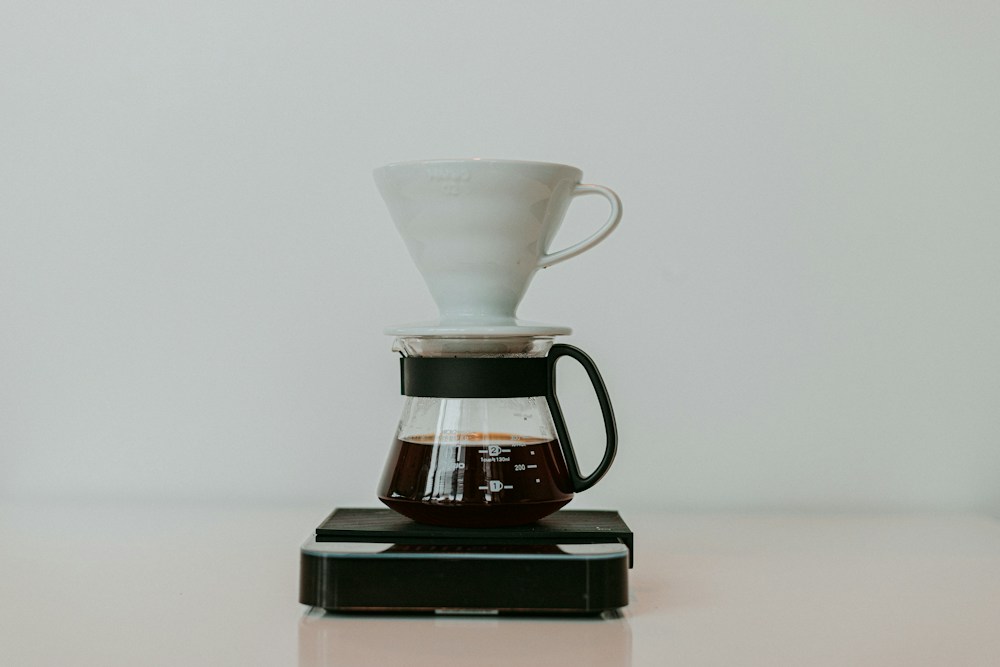
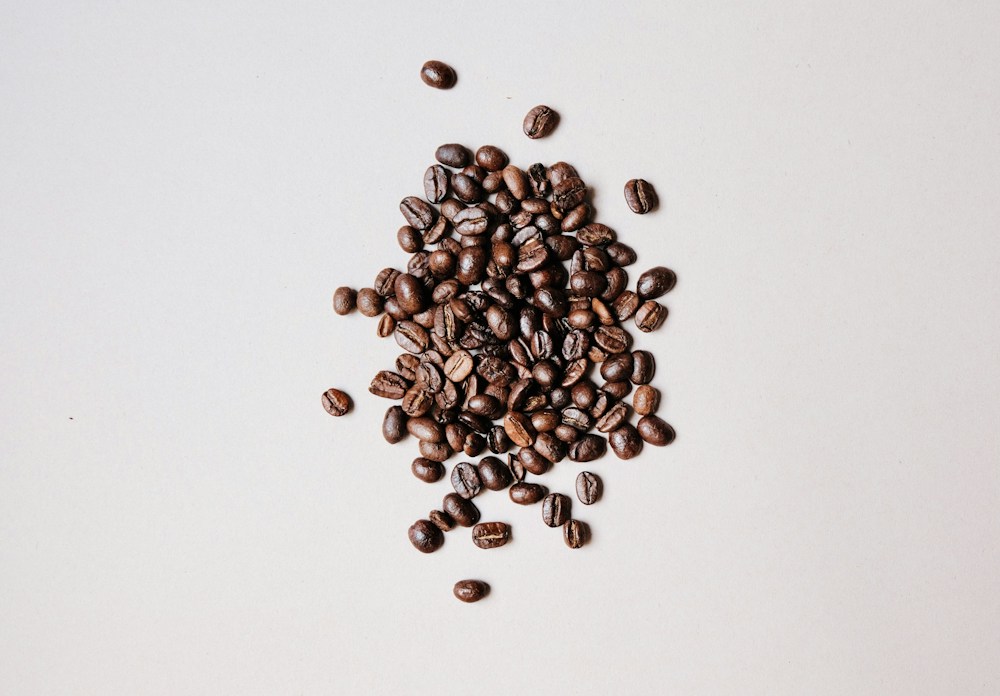
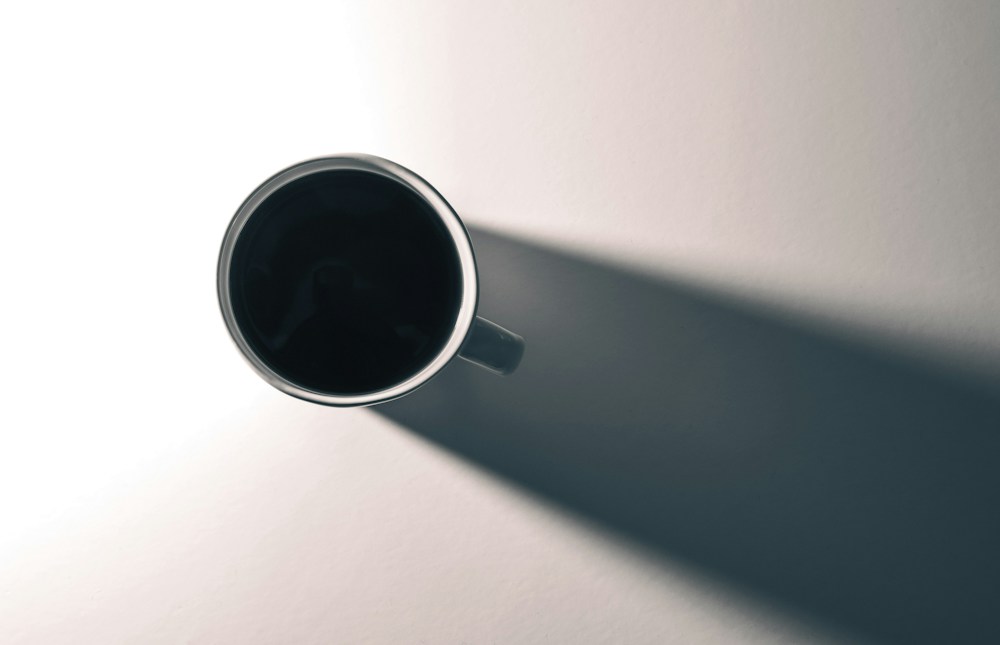
These photographs are used under the Unsplash License. The sequence is an editorial example rather than proof of engagement. For a longer treatment, see the six-frame clean photo dump example.
Compare two alternative orders using the same images:
- Ingredient first: beans, brewer, cup. This follows a loose ingredient-to-preparation-to-result idea without claiming the images document one process.
- Shape first: cup, beans, brewer. Begin with the circle and diagonal shadow, then move through texture to the taller object.
Proposed practice: choose three of your own images that you may publish, assign each a role, and compare two orders before exporting. Remove a duplicate if it contributes no new moment. You do not need to reproduce the coffee subject or turn a three-frame idea into seven slides.
Editing Tips for Aesthetic Photo Dumps
Keep the Edit Consistent
Compare white balance, contrast and saturation across the set, adjusting for the actual light and subject. Consistency does not mean applying the same temperature value to daylight and indoor frames. Keep believable skin and product colors; a warm or cool frame may be an intentional change in mood.
Let Some Imperfection Stay
A photo dump can include motion blur, grain, unusual crops, or small awkward details. That texture is part of the format. Remove distractions that hurt the image, but do not polish away all the life.
Watch Skin Tones
Trendy edits can easily push skin too orange, gray, red, or green. If people are in the dump, protect skin before chasing a color palette.
Use Black-and-White Carefully
Try a black-and-white frame as a deliberate contrast, or make the whole set monochrome. Neither count is automatically better. Check whether the shift supports the subject and sequence rather than changing color only to imitate a trend.
Caption Ideas for Photo Dumps
Short caption prompts to adapt; add context, credits or accessibility descriptions where useful:
- "lately"
- "a few frames"
- "weekend notes"
- "camera roll, edited down"
- "small things"
- "in between moments"
- "from the full gallery"
- "pieces of the day"
For photographers:
- "A few quiet frames from this session."
- "The finished gallery had so much warmth. These were a few favorites."
- "Behind the scenes, details, and one final frame."
- "A public preview from a private gallery."
- "The in-between images were the story."
Photo Dump Checklist
Before building the carousel:
- Pick one mood or time period.
- Choose a working pool, such as 10 to 20 candidates, then select only the images the story needs; this is not a platform limit.
- Remove near-duplicates.
- Choose an opener that introduces the intended story or mood.
- Mix wide, medium, and detail frames.
- Check that colors feel cohesive.
- Preview the intended post and check every crop for cut-off subjects or text; retain uncropped masters.
- Write a simple caption.
- Confirm permission for any client or private images.
Before posting:
- Preview the carousel order.
- Make sure no frame feels out of place.
- Check that text or screenshots do not reveal private details.
- Keep the final image intentional.
- Save the social exports separately from the full-resolution files.
Public Photo Dump Versus Full Gallery
A photo dump is a selected story or visual study, whether shared publicly or with a limited audience. Keep important originals independently. For client work, agree which subset may be published and deliver the full agreed set through the chosen private handoff.
Use a social photo dump for:
- Highlights.
- Behind-the-scenes moments.
- Seasonal inspiration.
- Travel recaps.
- Portfolio previews.
- Personal visual notes.
Use a private gallery for:
- Full client delivery.
- Family or event delivery to the agreed audience, with suitable access controls.
- Downloadable files.
- Organized collections.
- Password-protected access.
- Agreed photo and video deliverables, after checking format and processing requirements.
SendPhoto supports named collections, favorites, optional gallery passwords and download controls. Keep a permitted social subset separate from private deliverables. Collections organize files; they do not create separate passwords for different audiences. A shared password can be forwarded, and a viewable image can still be captured even when downloads are disabled.
Favorites record preferences, not publication permission or formal approval. Photo downloads depend on gallery and collection settings. Original with watermarking can use a generated marked image; Scaled down uses a generated version. Video processing can replace the upload with a stored optimized MP4. Keep independent unmarked photo and video masters. If using share expiry, treat closing access separately from deletion and studio retention.
Helpful next reads:
- Browse more creative guides in the SendPhoto blog.
- Deliver the complete set through gallery delivery.
- Manage social previews and final files with download control.
- Keep private sessions safer with password protection.
- For a related workflow, see how to send photos to clients.
FAQ
What is an aesthetic photo dump?
An aesthetic photo dump is a curated carousel of casual images that share a mood, color palette, moment, or story. It should feel relaxed but still intentional.
How many photos should I include in a photo dump?
Use enough images to tell the story without repeating yourself. The three-image example and seven-role table are creative options, not platform limits. Remove a near-duplicate unless its change or repetition has a purpose; more slides do not automatically mean a better result.
What should photographers include in a photo dump?
Photographers can include behind-the-scenes frames, details, location images, candid moments, social crops, and a few finished images from a session if they have permission to share them.
Should a client photo dump replace gallery delivery?
Use a permitted photo dump as a preview, not a substitute for the agreed client deliverables. Send the full set through a suitable private gallery or another agreed file handoff, with clear download and access instructions.